
Simple Cutting Software X
Description
Simple Cutting Software X is our premier rectangular (2D) optimization engine designed with a simple and highly efficient interface focused on Mac users. It is ideal for hobbyists, home users, and startup businesses seeking a reliable and easy-to-use Mac solution for layout optimization. The application operates seamlessly across multiple operating systems, including macOS / OSX, making it accessible for a broad spectrum of users who prefer Mac desktops and laptops.
Features:
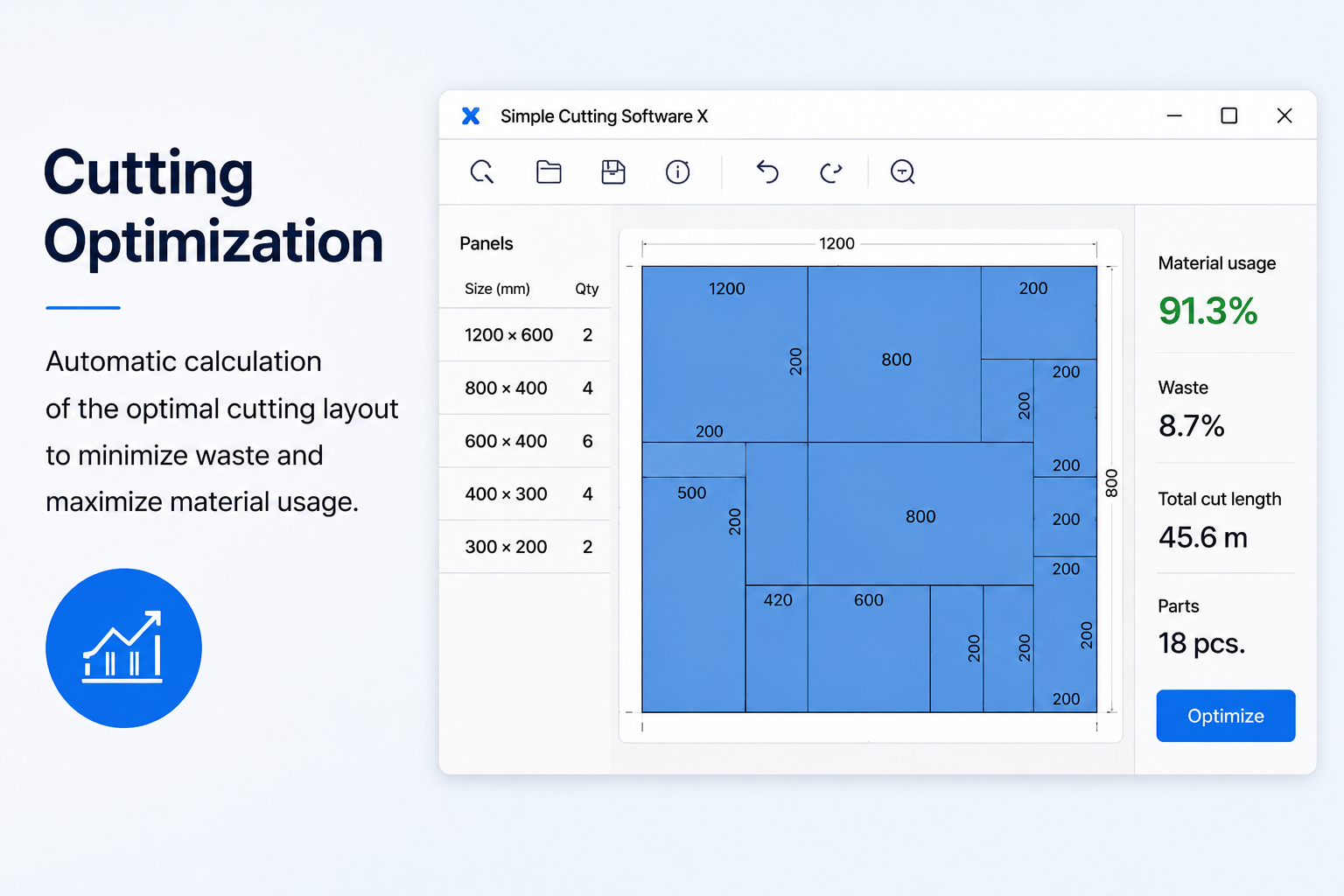
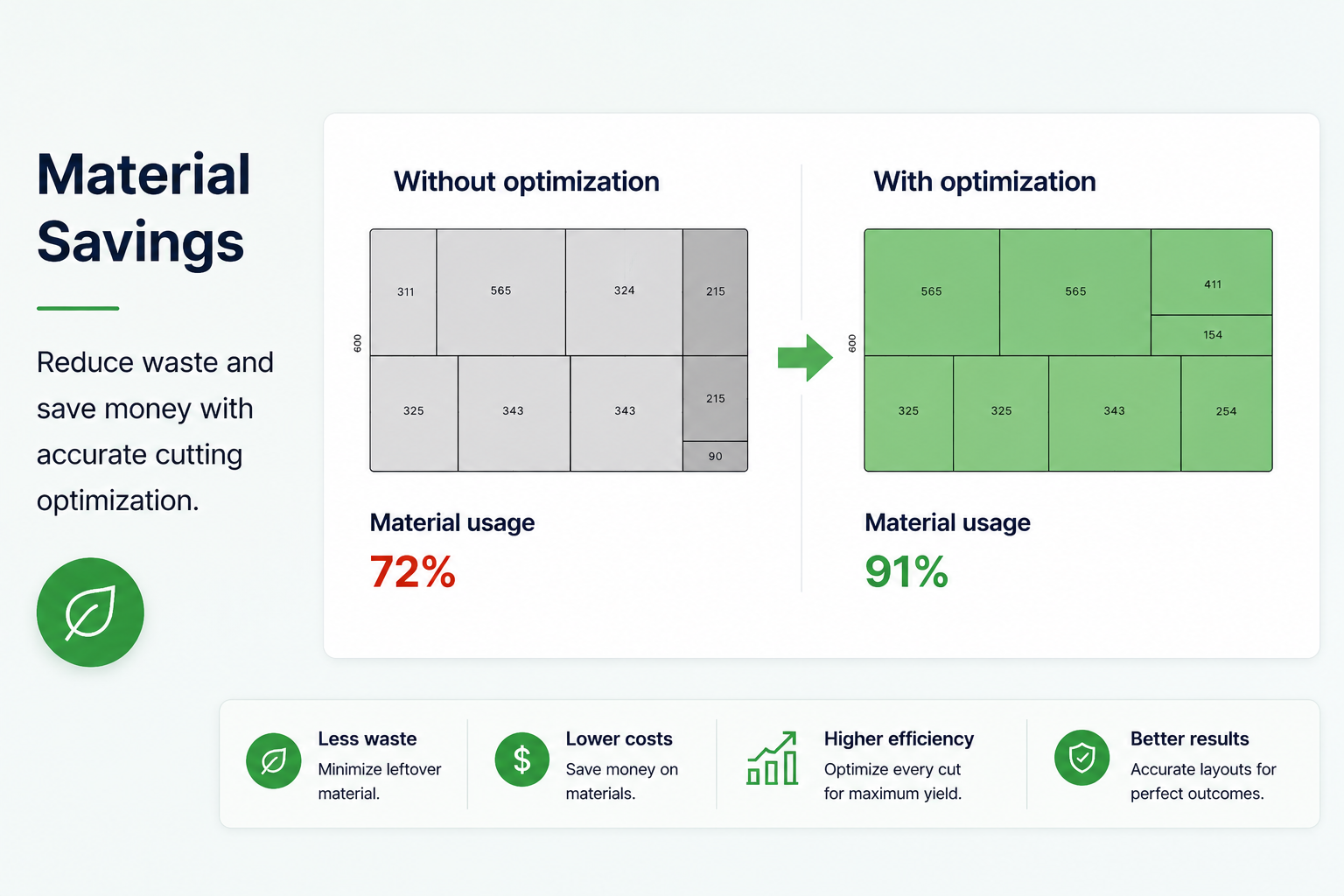
- 2D Guillotine Optimization – All cuts are made in a straight line from one edge of the material to the other, enabling efficient layouts for glass, wood, thermal glass, and more on your Mac.
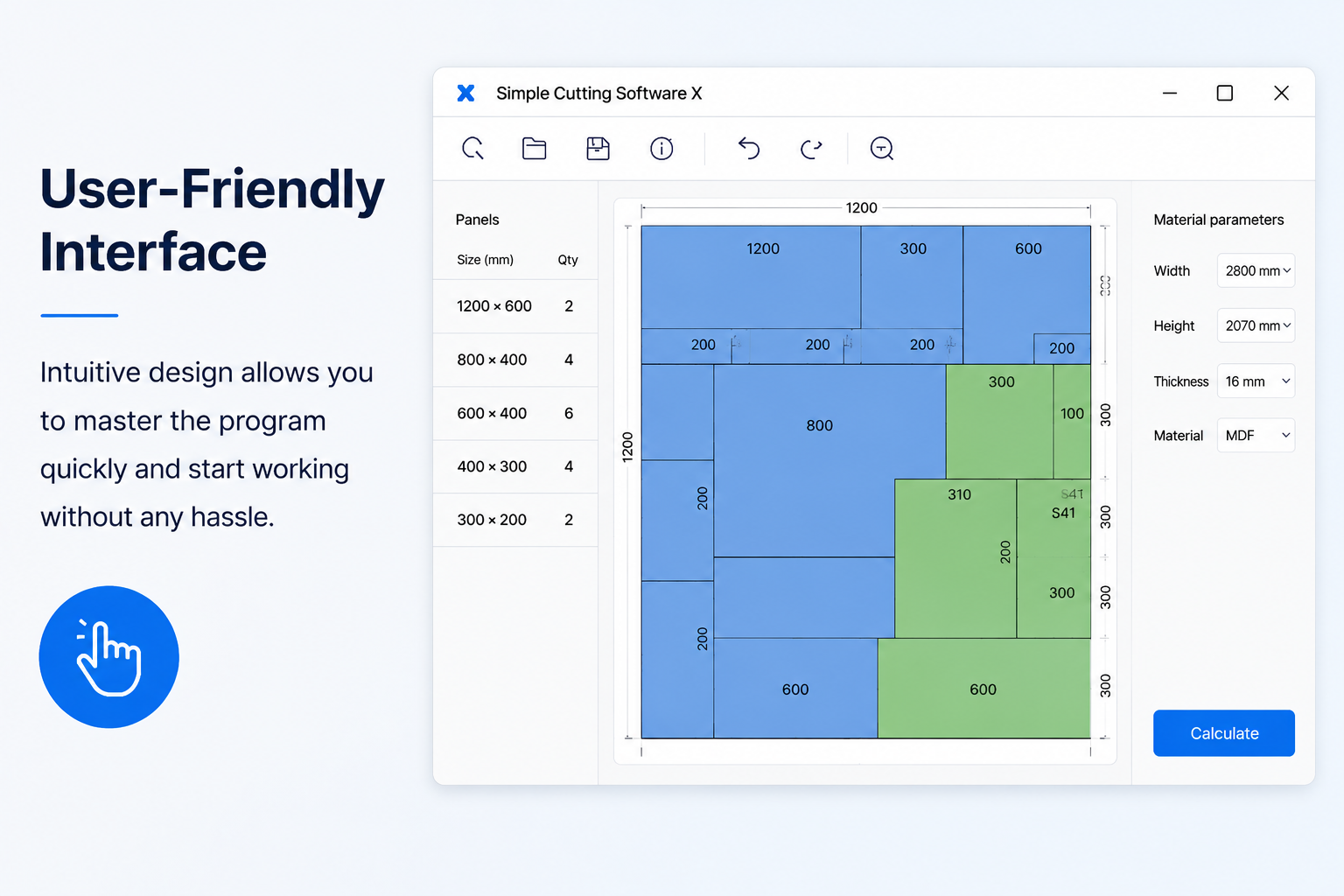
- Manual Layout After Optimization – After automatic optimization, you can manually drag, add, or delete fragments in your layouts using your mouse, giving you complete control within simple cutting software x mac.
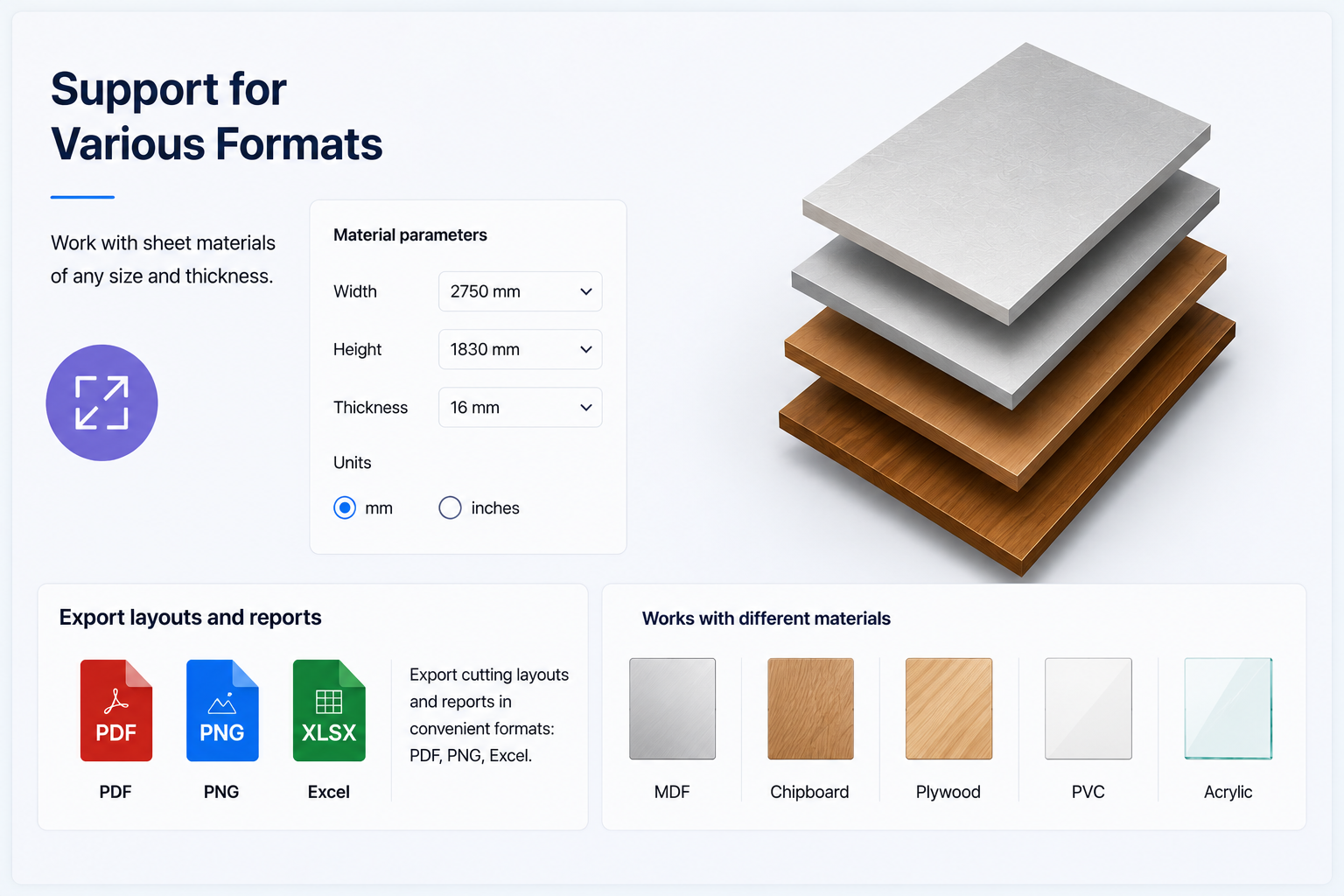
- Flexible Measurement Units – Data entry is universal; there is no need to specify the measurement unit. Just select your preferred metric in your mind and enter all values consistently.
- Fractional Input – Enter real numbers like 100.5 or fractions like 100 1/2. The precision for fractions can be set in the settings menu. Ensure not to mix decimal (".") values with fractions; choose one style and use it consistently.
- Adjustable Blade Thickness – When cutting glass with a diamond, set the cutting blade thickness to 0. For wood or metal, set a higher value to match your saw. This is fully customizable.
- Adjustable Limit for Fragile Parts – Waste material size will not fall below your set parameter, and no two parallel cuts will be closer than this value. This feature helps prevent breakage of small or fragile pieces, especially essential in the glass industry.
- Maximum Cut Length – Limit the allowable cut length for each operation to match your equipment or project requirements, enhancing safety and control.
- Adhesive Label Printing – Print sticky labels for every part for easy identification and organization.
- Grouping of Identical Sheets – Group or ungroup identical sheets with a single click, streamlining your workflow within simple cutting software x app on Mac.
- Grain Direction Control – Specify the grain direction for each part and stock when working with wood, ensuring precise and optimal cutting.
- Graphical (Black & White) Output – View your results as images complete with text labels, making it simple to verify and export for documentation.
- Save Layout Images – Save all 2D sheet layouts in PNG format with just one-click, perfect for archiving or sharing plans.
- Layout Grouping – This reduces the number of printed pages necessary by showing the number of repeats next to each layout, minimizing paper usage.
- Layout Printing – Print all layouts on any printer connected to your Mac.
- XML Support – Load and save data (parts and stocks) to and from *.xml files, simplifying backups and integration.
- Ultra-Fast Execution – Solutions are generated within seconds, ensuring you never waste time waiting for results.
- Native macOS Application – The app is fully native for Mac, requiring no external dependencies.
- Single-File Solution – Move a single file to any Mac and use it instantly, installation-free for ultimate portability.
- Exceptionally Efficient Code – The .exe is about 7 MB, while the installer is just over 2 MB, ensuring minimal space usage for simple cutting software x download.
- Desktop Application – You control your data: everything runs locally on your Mac so your data is safe from remote server failures, and the app works perfectly even without an internet connection.
- Multi-Language Interface – Intuitive interface supports several languages for convenience.
Frequently Asked Questions
You May Also Like
Reviews & Comments
No comments yet. Be the first to share your thoughts!