
SnapMotion
Description
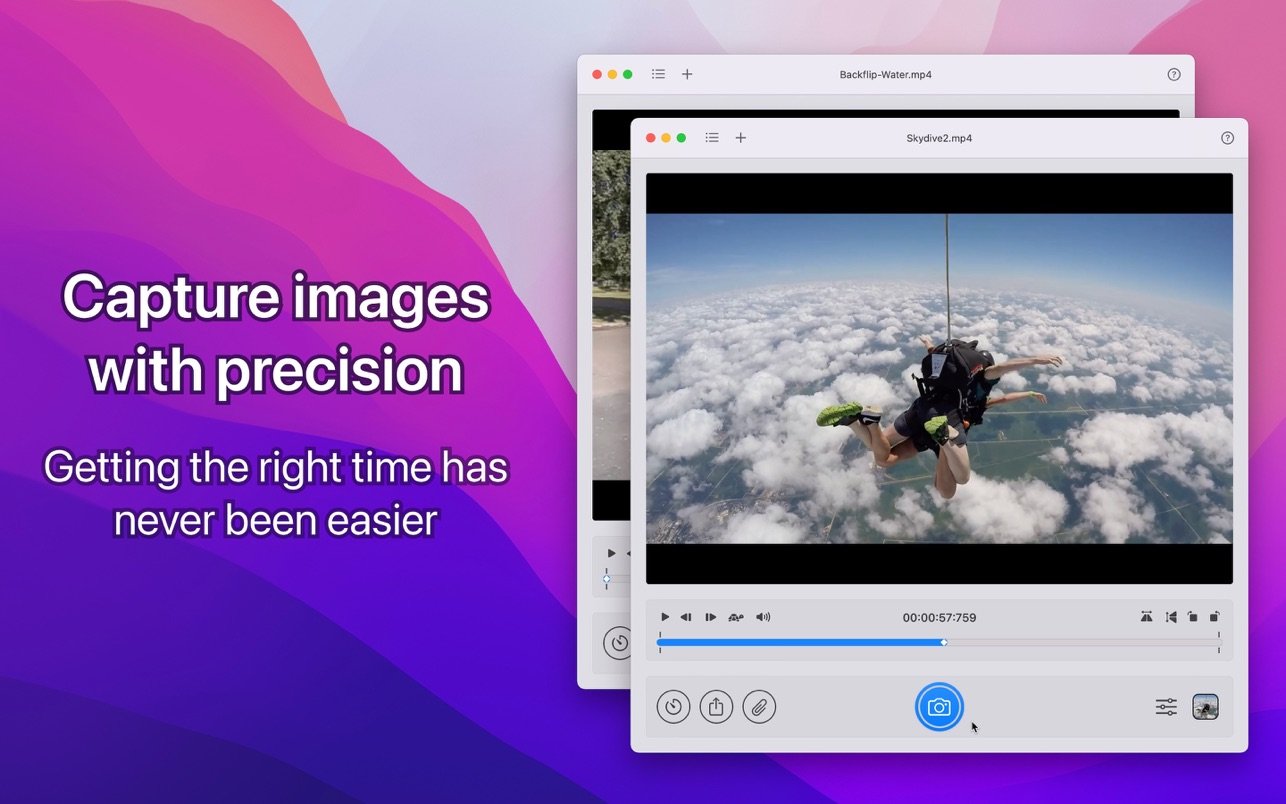
Say goodbye to taking screenshots of your videos—SnapMotion is the ultimate tool to extract high-quality images from videos on your Mac. Whether it’s a funny cat video or a stunning backflip, SnapMotion lets you capture and share that perfect moment as a photo with friends using the full capabilities of the snapmotion mac application.
- CAPTURE IMAGES WITH THE HIGHEST QUALITY
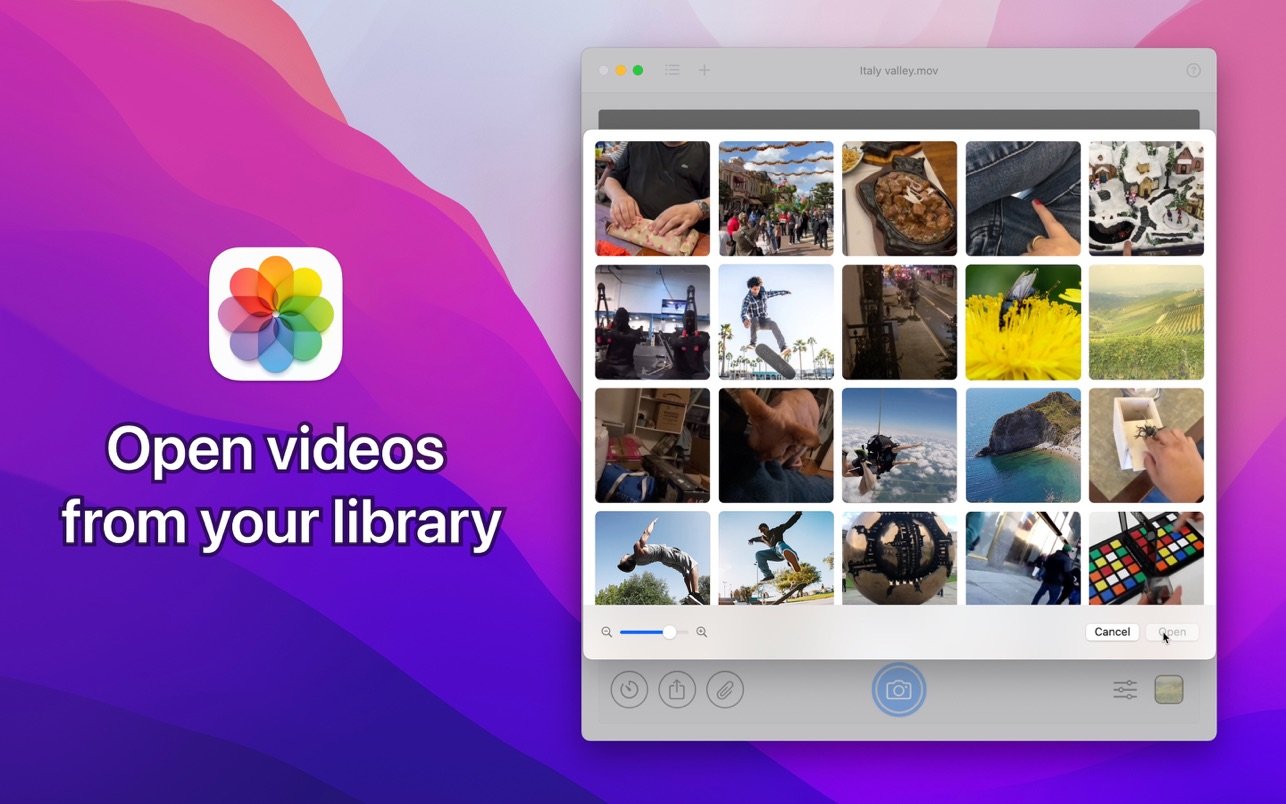
With snapmotion app, effortlessly open files from Finder or Photos and extract still frames in all standard professional formats, ensuring the best possible image quality. Even for large and high-definition files like 4K or 8K movies, SnapMotion maintains precision and extracts every single frame quickly and without delay, delivering crystal-clear results every time.
- DOWNLOAD REMOTE YOUTUBE VIDEOS
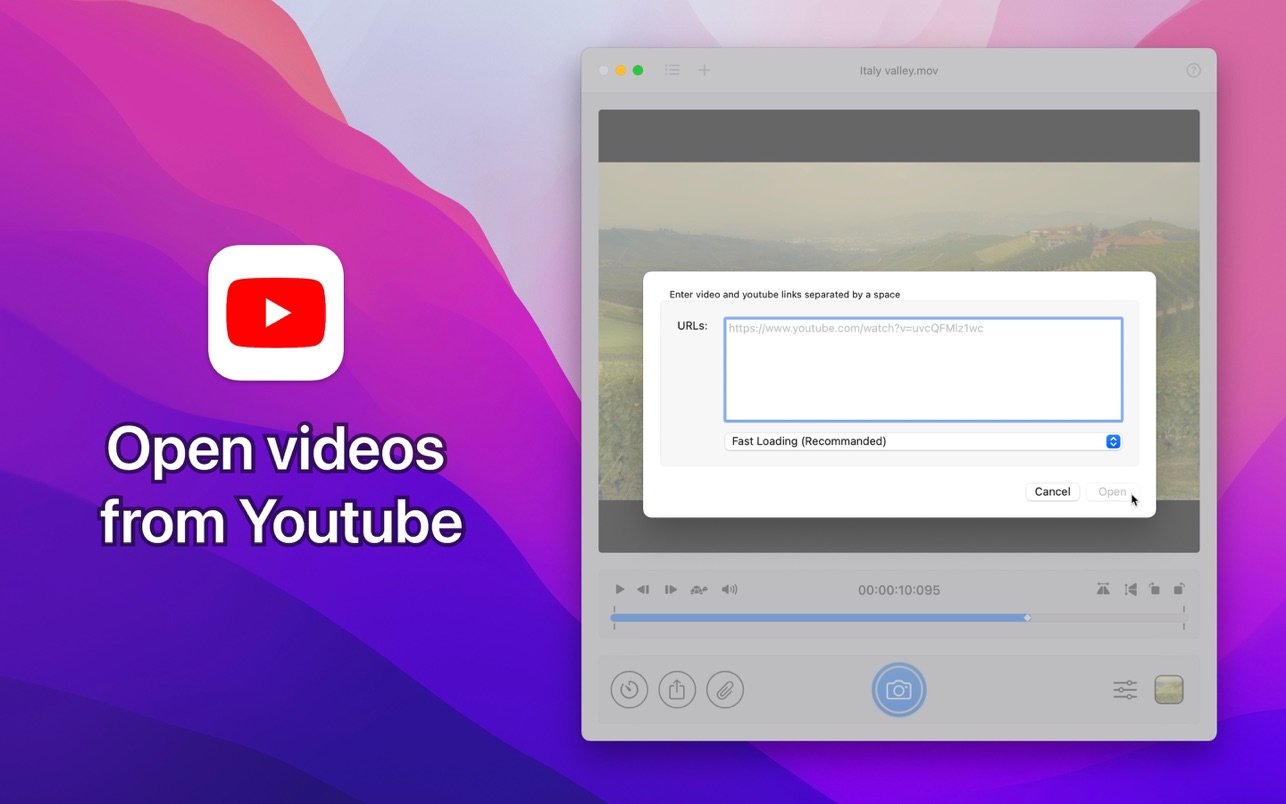
SnapMotion has added seamless support for YouTube and web videos. Simply copy and paste the video link to instantly open it within the application—no need for an extra video downloader. Easily create snapshots from any online content directly on your Mac through snapmotion.
- ROTATE AND FLIP VIDEOS WITH EASE
Forget about pre-editing your video files elsewhere. With SnapMotion, you can rotate or flip videos right in the app with a single click. All adjustments are automatically applied to the images you extract, ensuring your snapshots always match your vision.
- EXTRACT THOUSANDS OF IMAGES IN BATCH MODE
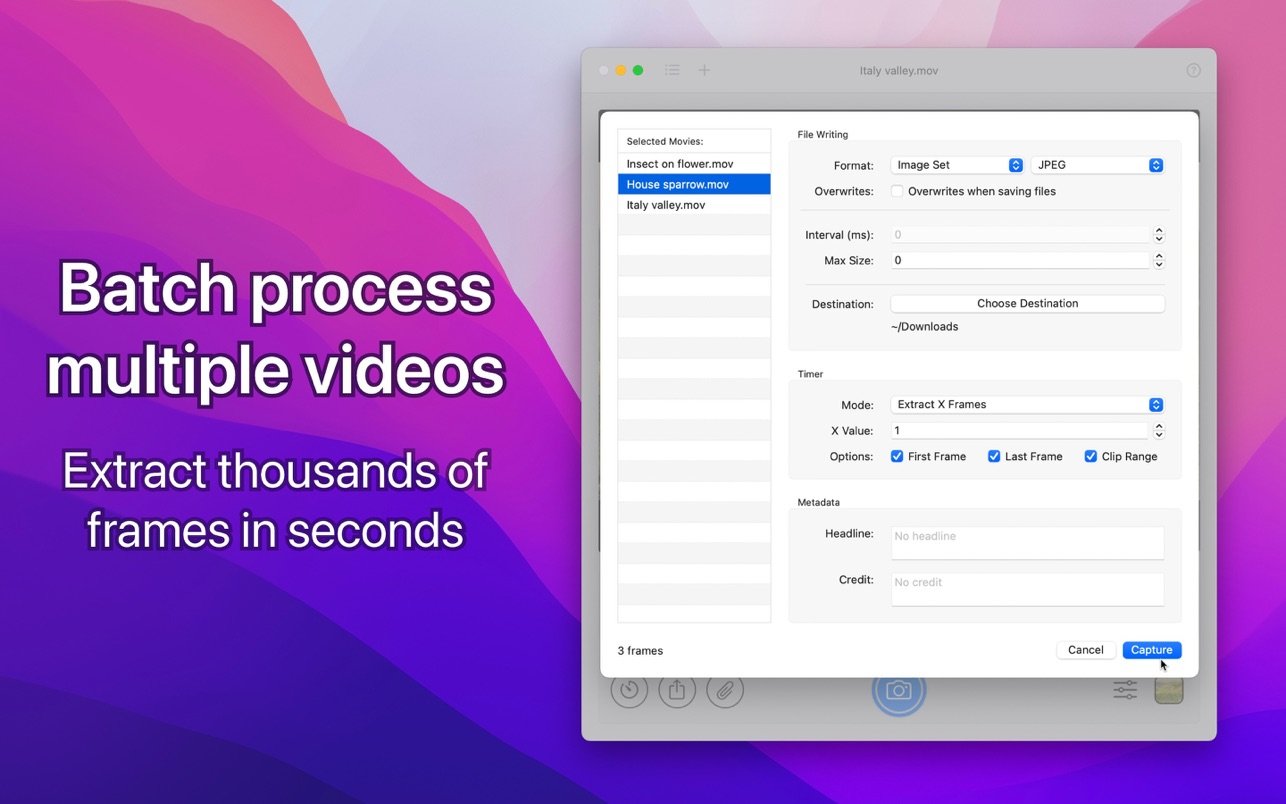
The snapmotion download capability allows batch processing for efficient bulk work. Import multiple video files at once and extract thousands of images with just one click. You can export selected images individually, as a set, or even compile them into GIFs or slow-motion videos—making bulk content creation simple and intuitive.
- IN-APP HELP AND SUPPORT
SnapMotion is designed for all users, even those with only basic photography knowledge. The interface is user-friendly, making it easy to start. If you ever run into questions or need clarification, you can leave feedback or ask questions directly in the app for real-time assistance, ensuring you make the most of every feature.
Frequently Asked Questions
You May Also Like
Reviews & Comments
No comments yet. Be the first to share your thoughts!