Sound Studio
Description
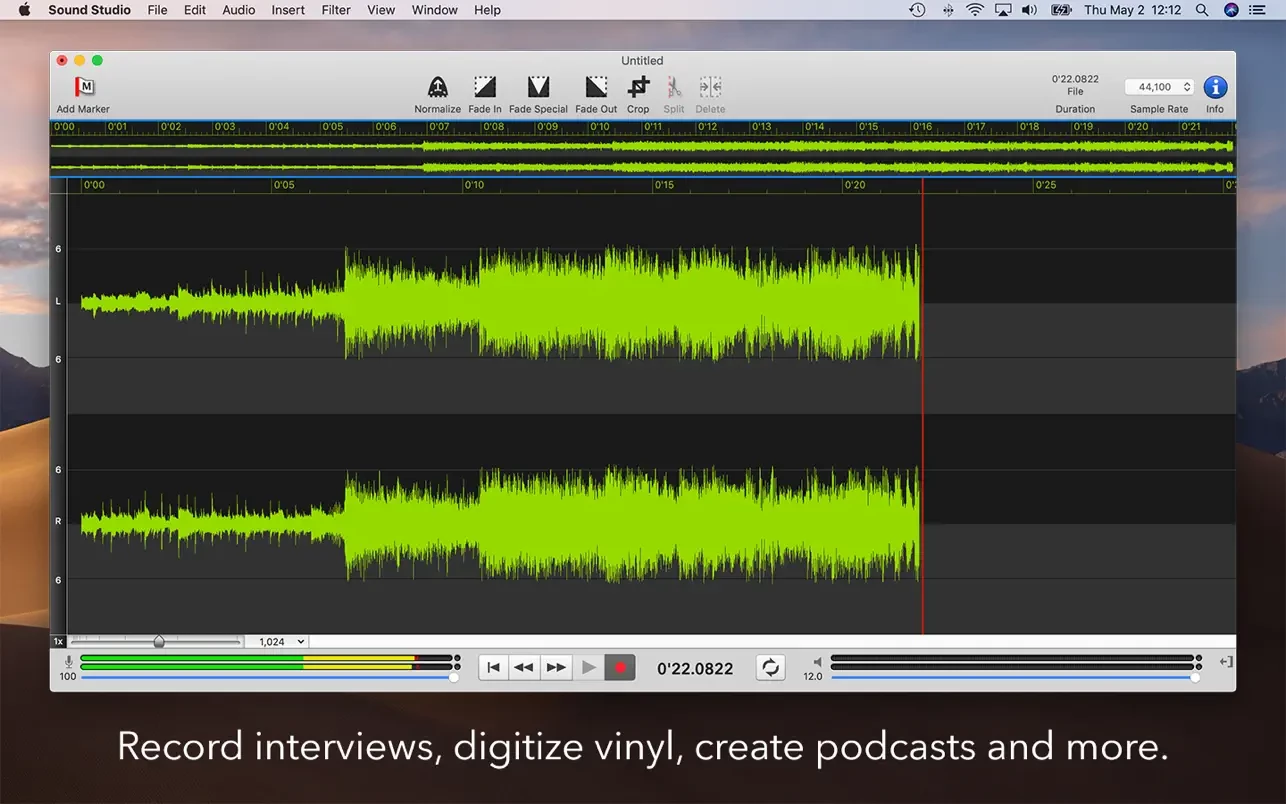
Sound Studio is one of the most popular sound editing applications for Mac, trusted by both beginner and professional audio engineers. This ultra-fast and easy-to-use sound studio app is designed for seamless recording, editing, and the enhancement of digital effects to audio with an intuitive interface. It provides an all-in-one solution for users seeking efficient workflow and powerful audio capabilities on their Mac.
Digitize your cassette tapes and vinyl records, record live performances, create your own mixes with smooth crossfades, finely tune audio levels and the equalizer, apply a wide range of digital audio effects, and save your work in all leading audio formats. Sound Studio allows you to capture, edit, and preserve your favorite music and memories in professional quality.
Produce professional-grade podcasts, audiobooks, voice-overs, and much more with the sound studio mac. Spoken word, lectures, presentations, music, and any other audio content can all be recorded and precisely edited, ensuring top-notch results for any type of project. The sound studio app is your reliable companion for clear, detailed recordings and creative editing on Mac.
Save your recordings in the following industry-standard file formats:
- AIFF
- AIFF-C
- WAVE
- MP3 (with both CBR and VBR options)
- MPEG-4 AAC
- ADTS AAC
- Ogg Vorbis
- Tab-delimited text
- NeXT/Sun
- FLAC
- CAF
- Apple Lossless
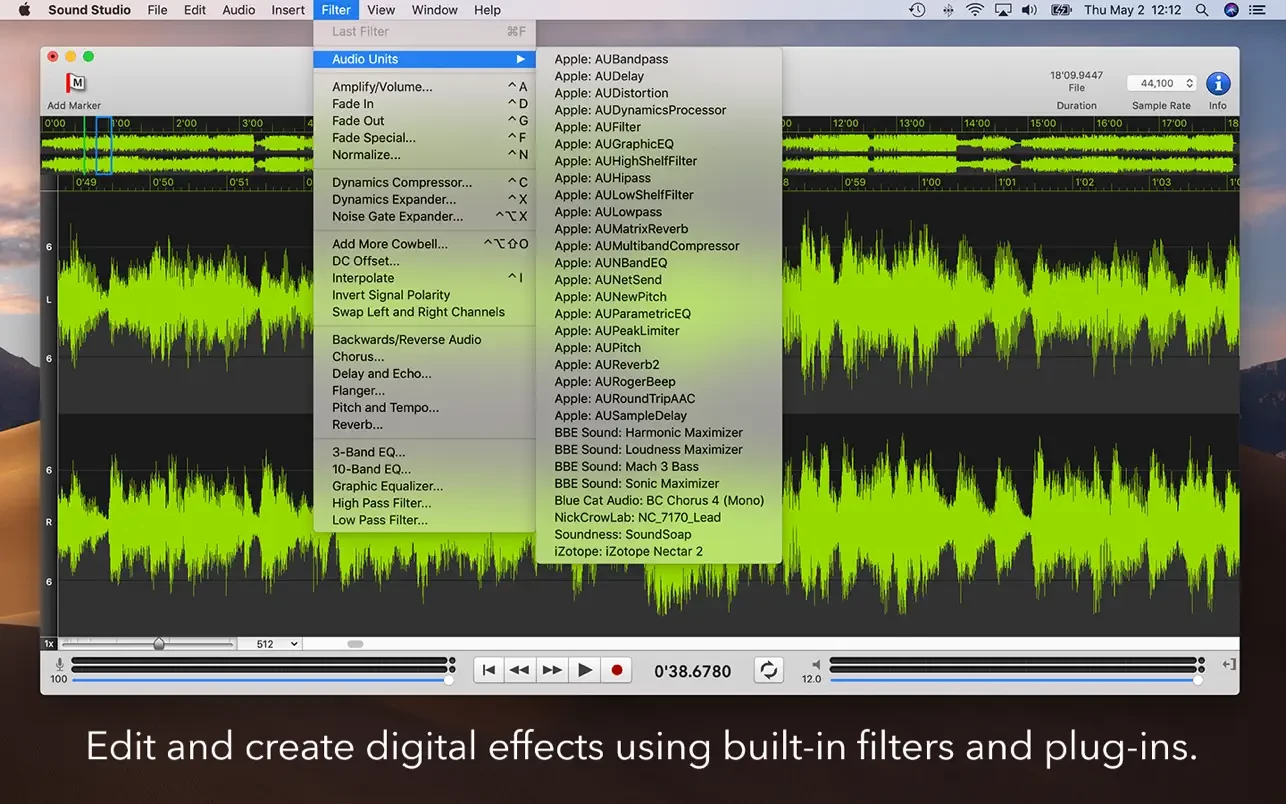
Apply an extensive list of audio effects and filters to your tracks:
- Gain/Volume
- Fade In, Fade Out, and Fade Special (with envelope)
- Normalization
- Dynamics Compressor
- Dynamic Expander
- Noise Gate Expander
- Add Noise (or Bell)
- DC Offset
- Interpolation
- Invert Signal Polarity
- Swap Left and Right Channels
- Reverse/Backward Sound
- Chorus
- Delay and Echo
- Flanger
- Pitch and Tempo
- Reverb
- 3-band, 10-band, and graph-based Graphic Equalizer
- High Pass Filter
- Low Pass Filter
Technical specifications:
+ Record and play audio in up to 2 channels.
+ The track count is limited only by your Mac's processing power and memory.
+ Supports AudioUnit plugin hosting.
+ Utilizes 32-bit floating point PCM format internally for pristine audio fidelity.
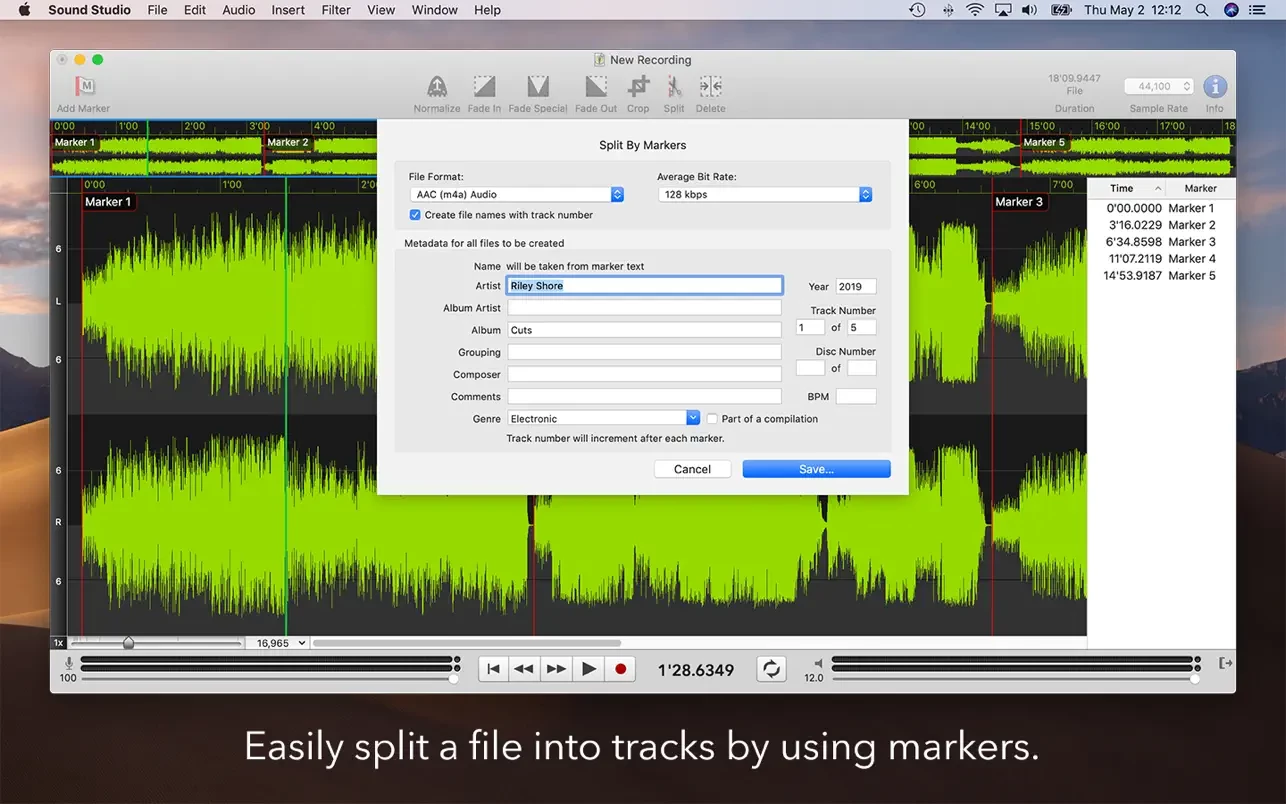
+ Markers: Automatically create markers in silences or on a grid for easy editing.
+ Split by Markers: Instantly divide long files into separate tracks.
+ Features FM synthesis, sine wave, triangle, square wave, and noise generators.
+ Zero-crossing snapping for precise editing.
+ Saves BWF (Broadcast Wave Format) data within .WAV files.
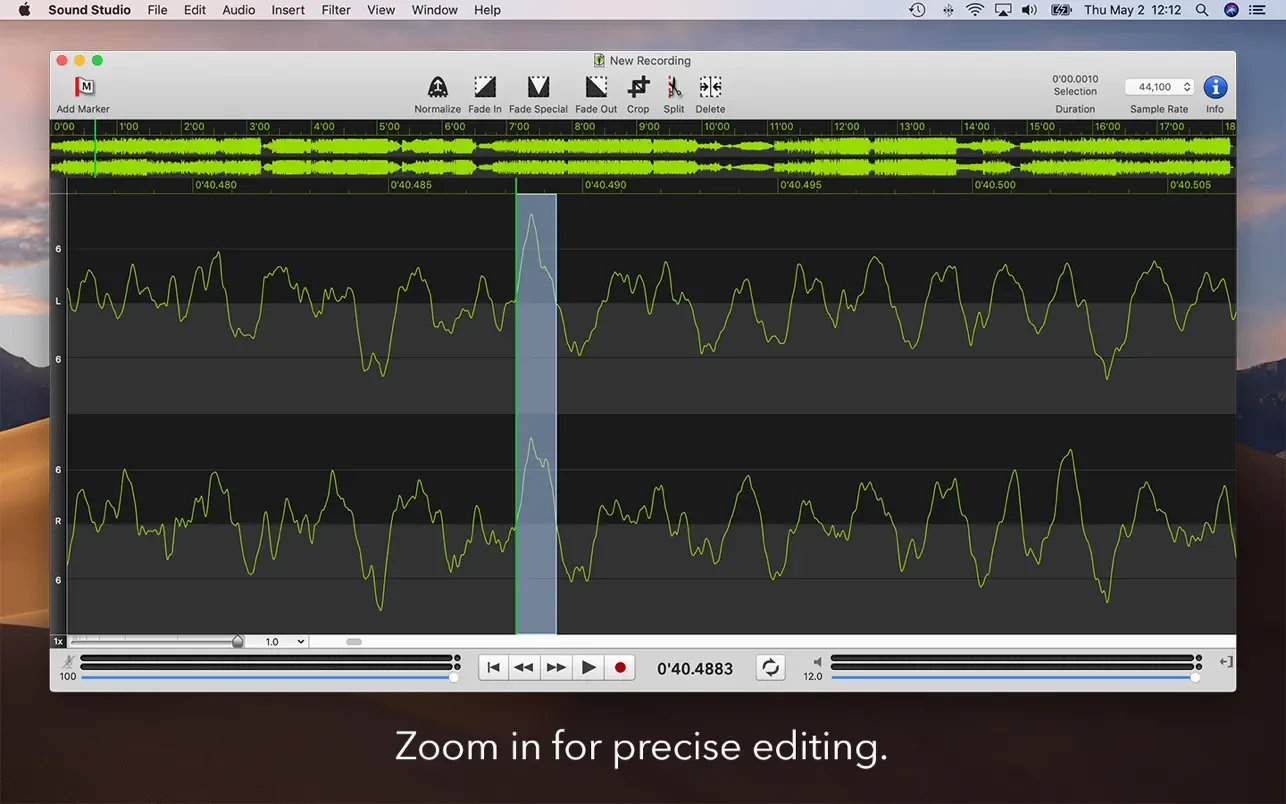
+ Zoom in to sample-level detail for meticulous editing.
+ Full AppleScript and Automator support for advanced workflows.
+ 64-bit Intel binary application, built exclusively for Mac.
Frequently Asked Questions
You May Also Like
Reviews & Comments
No comments yet. Be the first to share your thoughts!