Syntronik
Description
Syntronik 2 sets an entirely new benchmark for advanced virtual synthesizers on Mac. IK’s leading-edge sampling techniques, fused with a state-of-the-art hybrid engine that combines both sample synthesis and detailed modeling, deliver an expansive collection of sought-after and rare synths, all with breathtaking sonic accuracy and the deepest level of sound-shaping. Whether you’re a music creator or sound designer, Syntronik on Mac excels in providing you with unmatched power and flexibility right inside your favorite DAW.
This is a major upgrade from the previous version for Mac users, introducing 11 brand-new synth instruments, exciting extended and highly requested features, plus a vast assortment of completely new presets for all 22 original synth models—each designed to take advantage of the latest enhancements. The syntronik app empowers Mac musicians to create, tweak, and perform with more inspiration and realism than ever before.
Features:
• 33 powerful synthesizers, each with a familiar, intuitive panel design and easy-to-use controls for seamless music production on Mac
• Includes a curated collection of 54 legendary hardware synths and string machines for authentic analog and vintage textures
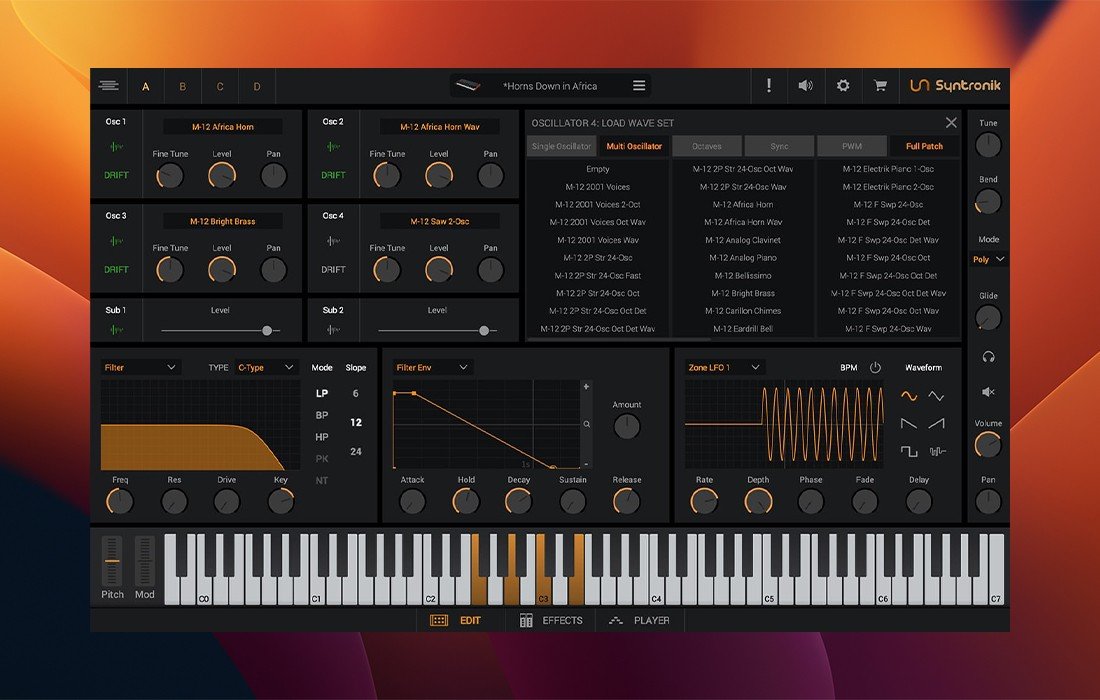
• Multi-sample oscillators ensure maximum fidelity and sonic authenticity, faithfully reproducing the nuances of classic instruments
• Four iconic circuit-modeled filter types let you sculpt your sound with outstanding versatility directly inside your syntronik mac setup
• Proprietary DRIFT™ technology models subtle, real-world oscillator variations for ultra-realistic, inspiring tones
• Mix and match oscillators and filters in endless combinations to craft entirely new and unique sounds tailored to your style
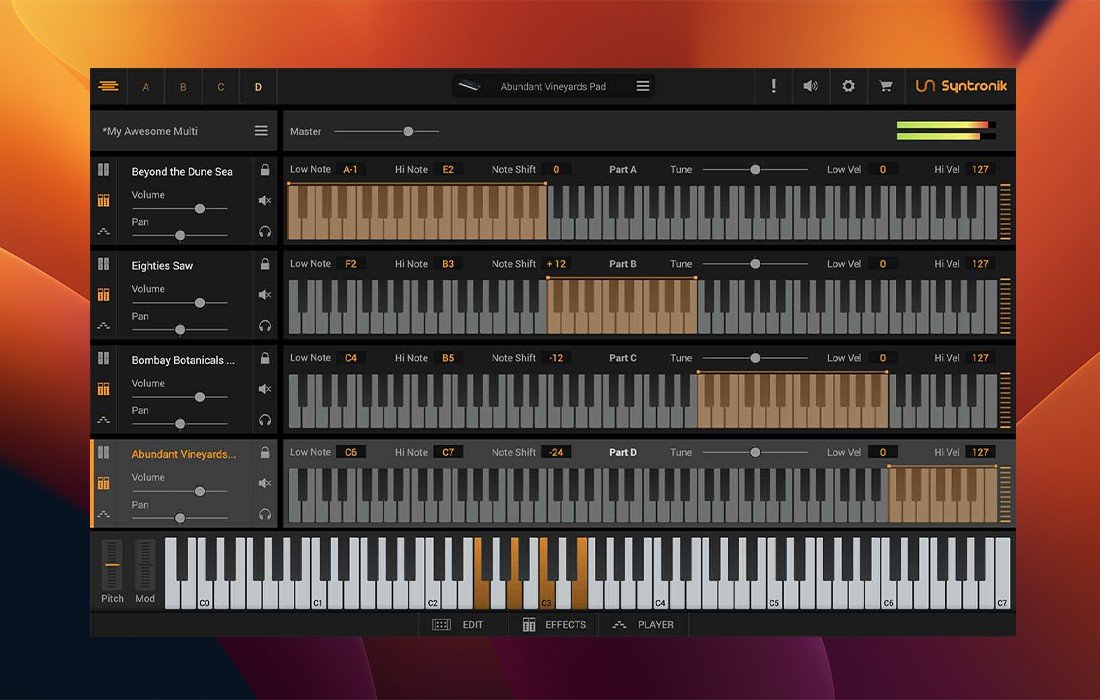
• Full-featured 4-part synth engine enables rich, layered multis and splits for deep, complex sonic creations
• Four dynamic arpeggiators and a brand-new step sequencer introduce intricate, evolving rhythmic textures to your productions
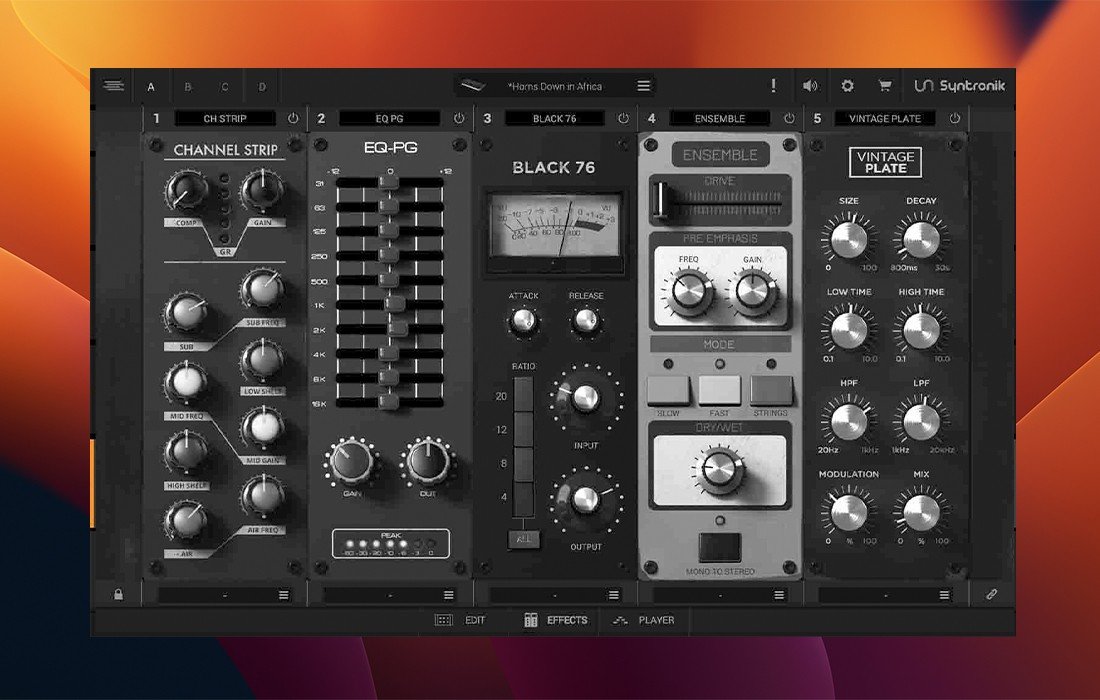
• Seventy-one high-fidelity effects sourced straight from T-RackS, MixBox, and AmpliTube—an extensive effects palette at your fingertips
• Over 200 GB of disk-streaming sampled content and more than 5,500 expertly designed presets, offering an unparalleled sound library for creative exploration
• Ultra-fast browser lets you find sounds instantly via category or keywords, accelerating your workflow in any Mac studio environment
• Crisp, optimized resizable interface with a stylish “lunchbox” style effects panel, perfectly tailored for macOS displays
• Effortless integration: load any Syntronik sounds directly into SampleTank 4* for a fully scalable sound production environment
• A comprehensive free version, Syntronik CS, is also available, making it easy to experience professional synthesizer power on Mac before upgrading
Frequently Asked Questions
You May Also Like
Reviews & Comments
No comments yet. Be the first to share your thoughts!