
TabTab
Description
TabTab is a native application designed specifically for Mac users to help you stay productive by simplifying window and tab switching across your system. With TabTab, managing your Mac workspace becomes seamless and efficient, allowing you to navigate even the busiest environments with ease.
Some of the top features include:
🖼️ Window Management
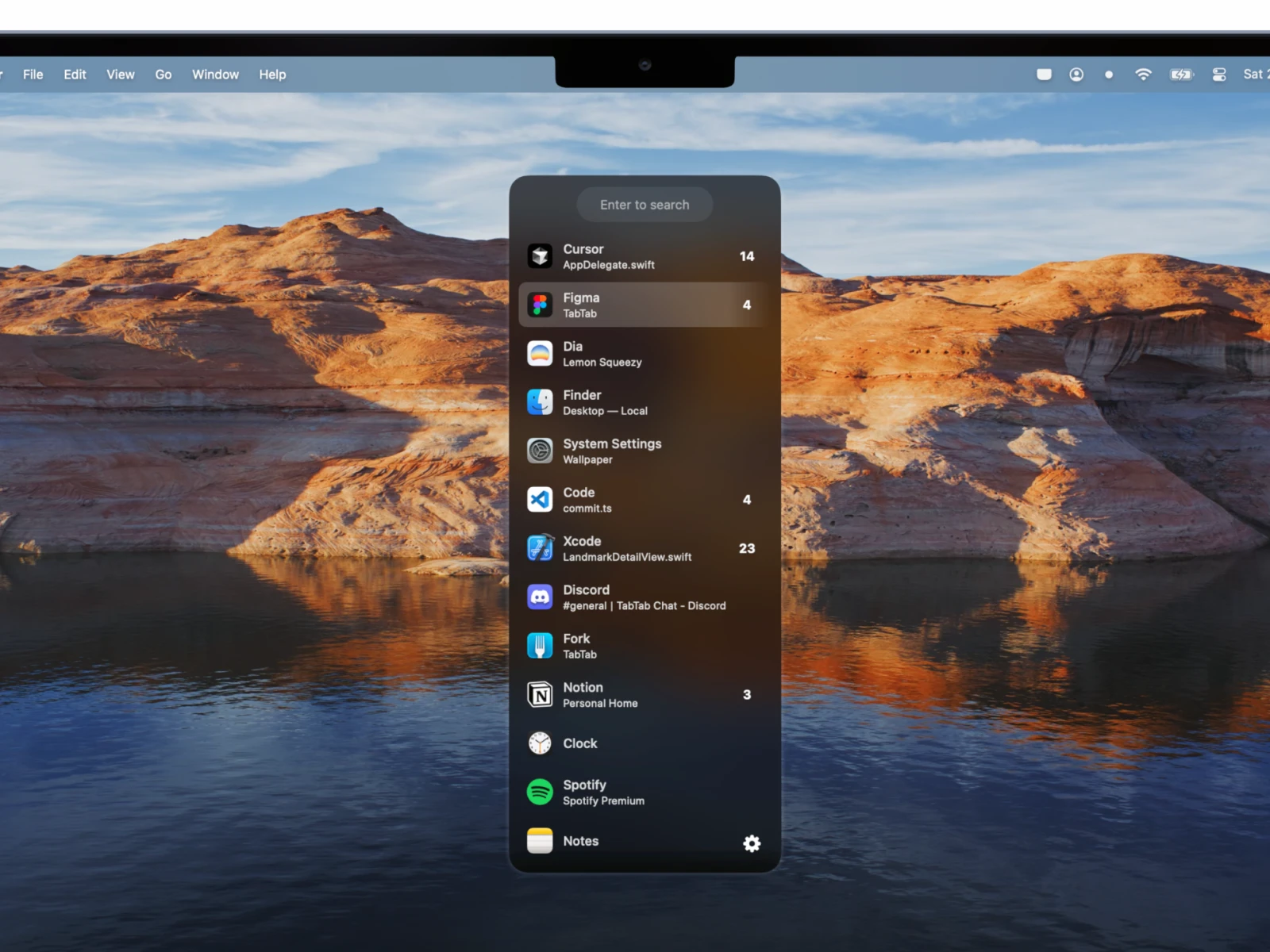
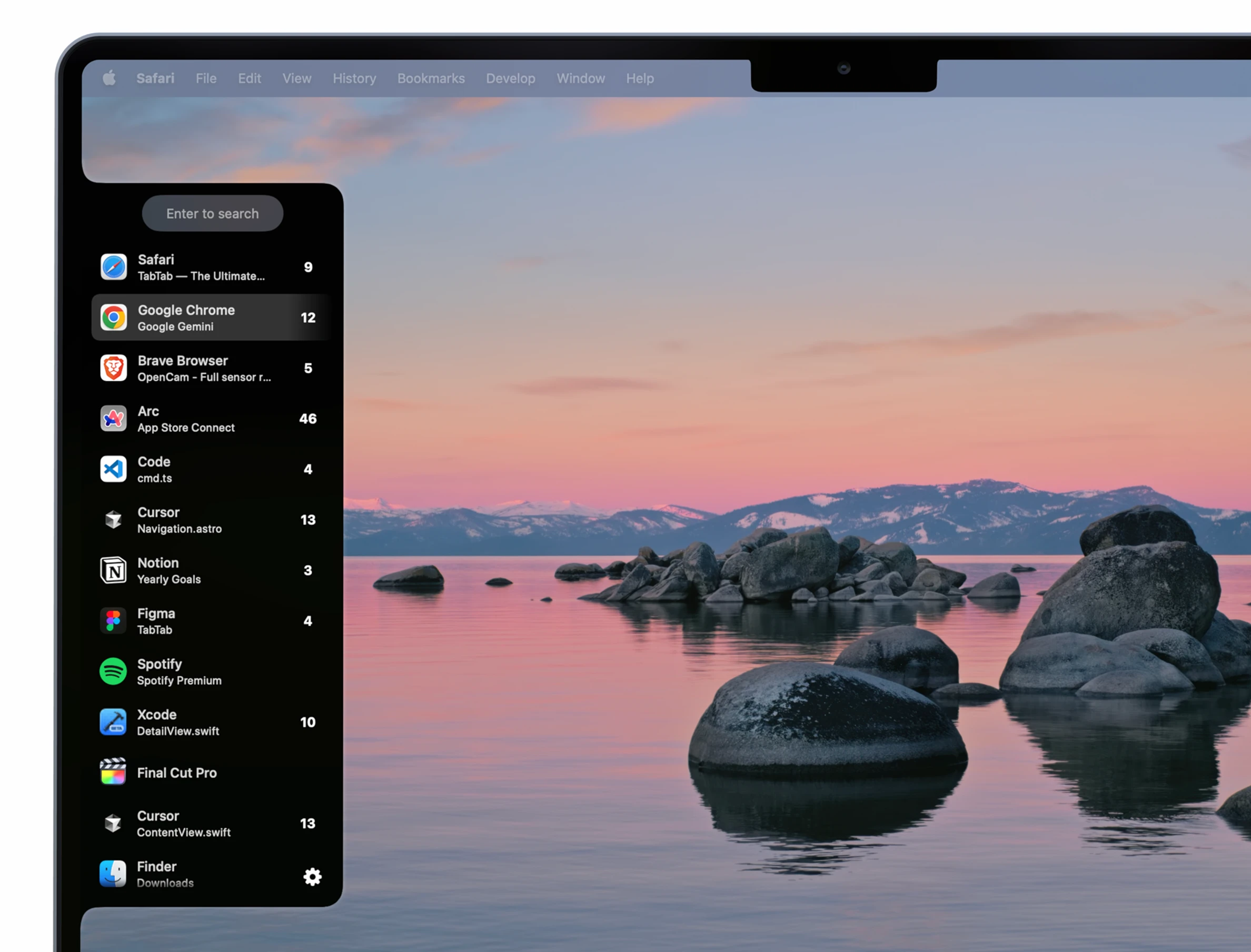
You can manage all open windows on your Mac, with complete support for fullscreen mode and split view layouts. Quickly organize and arrange your desktop to keep your workflow optimized.
🤯 Tab Management
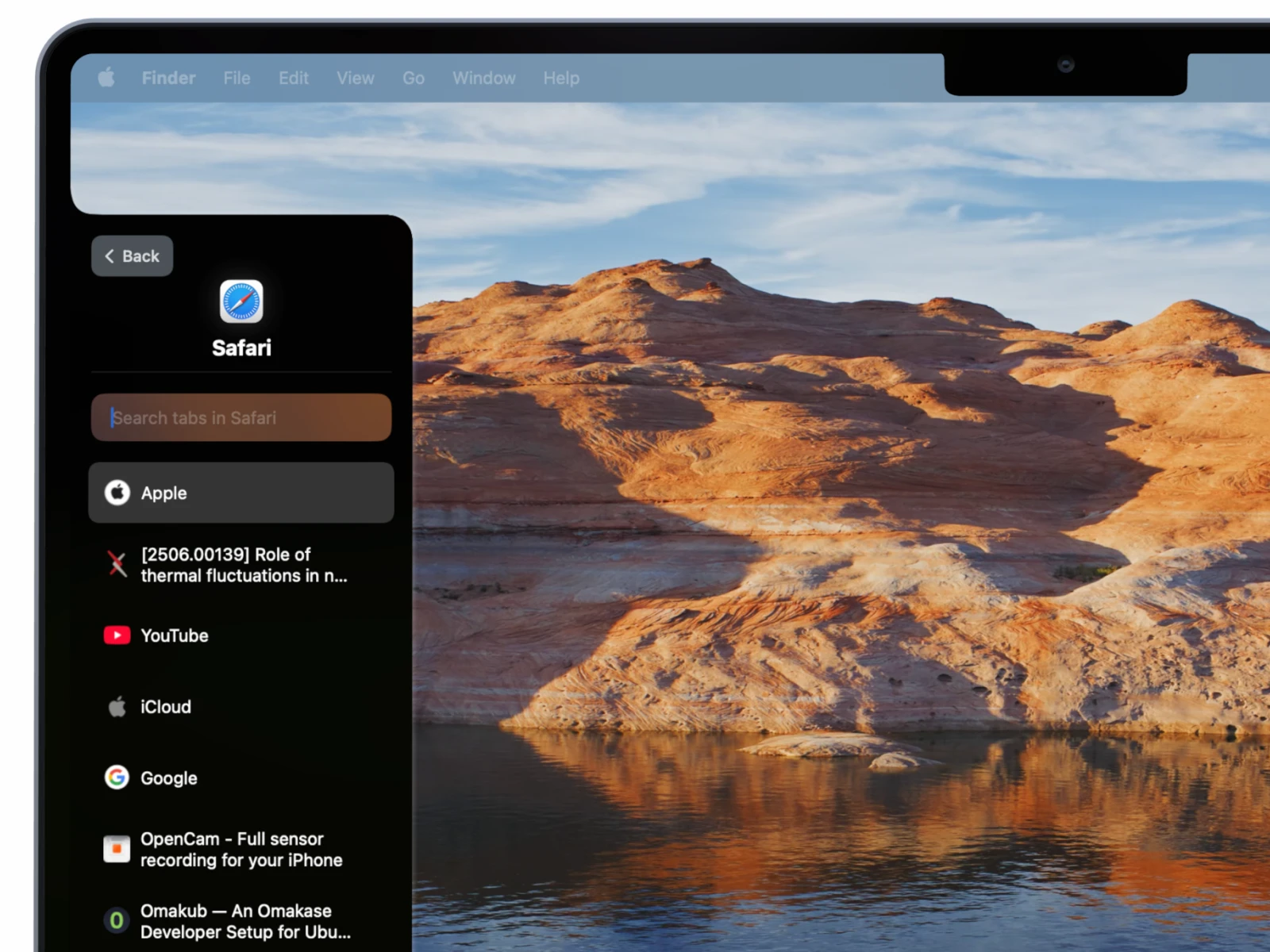
The TabTab app lets you instantly switch to a specific tab within supported Mac applications like Google Chrome, Safari, Visual Studio Code, Finder, and more. Effortlessly jump between multiple tabs in your favorite apps with just a few clicks or keypresses.
🔍 Powerful Search
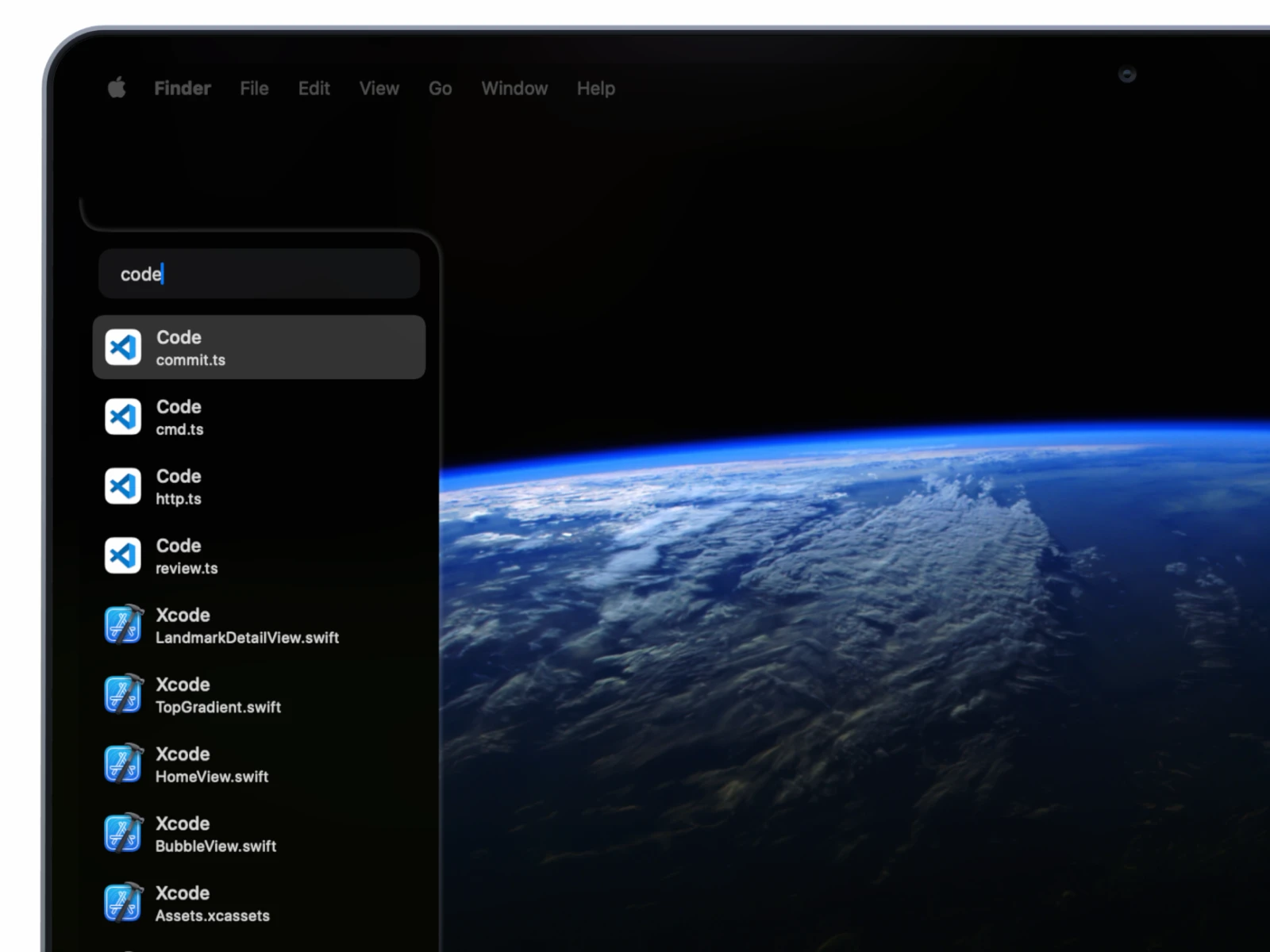
TabTab enables you to search across all open windows and tabs. Flexible search options allow you to find items by application name, window title, or tab label, so you can locate exactly what you need in moments.
💻 Compact and Intuitive Design
Fully integrated with macOS, TabTab provides a native look and feel for a seamless user experience. Its interface is designed to remain compact and easy to use, all while functioning unobtrusively in the background.
⌨️ Optimized for Hotkeys
Created with productivity in mind, TabTab mac is equipped with customizable hotkeys for rapid and efficient navigation. Effortlessly switch windows or tabs to keep focus on your tasks.
⚡ Fast Performance
With lightning-fast operation, TabTab ensures flawless performance even when you have numerous windows and tabs open. Experience smooth transitions and uninterrupted work no matter how demanding your workspace becomes.
Frequently Asked Questions
You May Also Like
Reviews & Comments
No comments yet. Be the first to share your thoughts!