
Tuneful
Description
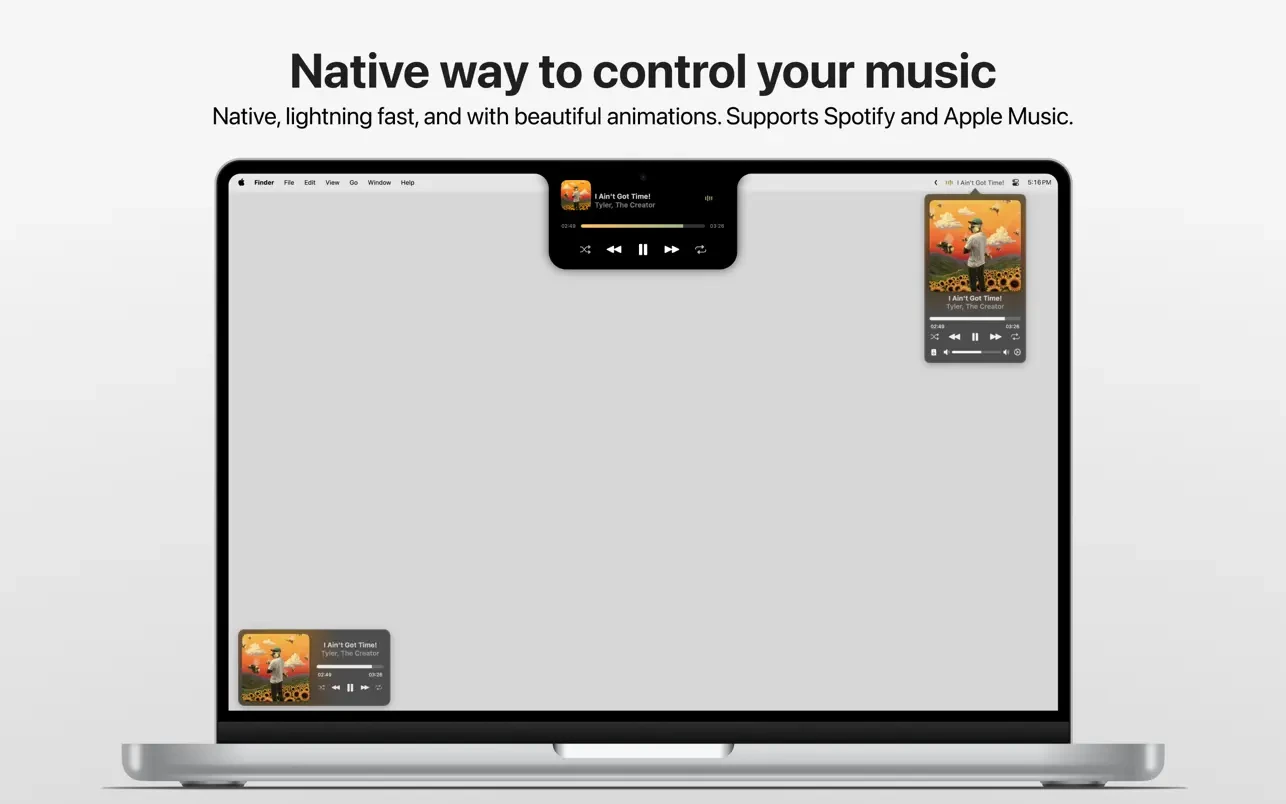
Tuneful is a macOS application designed to let you manage your music directly from your MacBook's notch, the menu bar, or a compact mini-player window.
Key features of the Tuneful app:
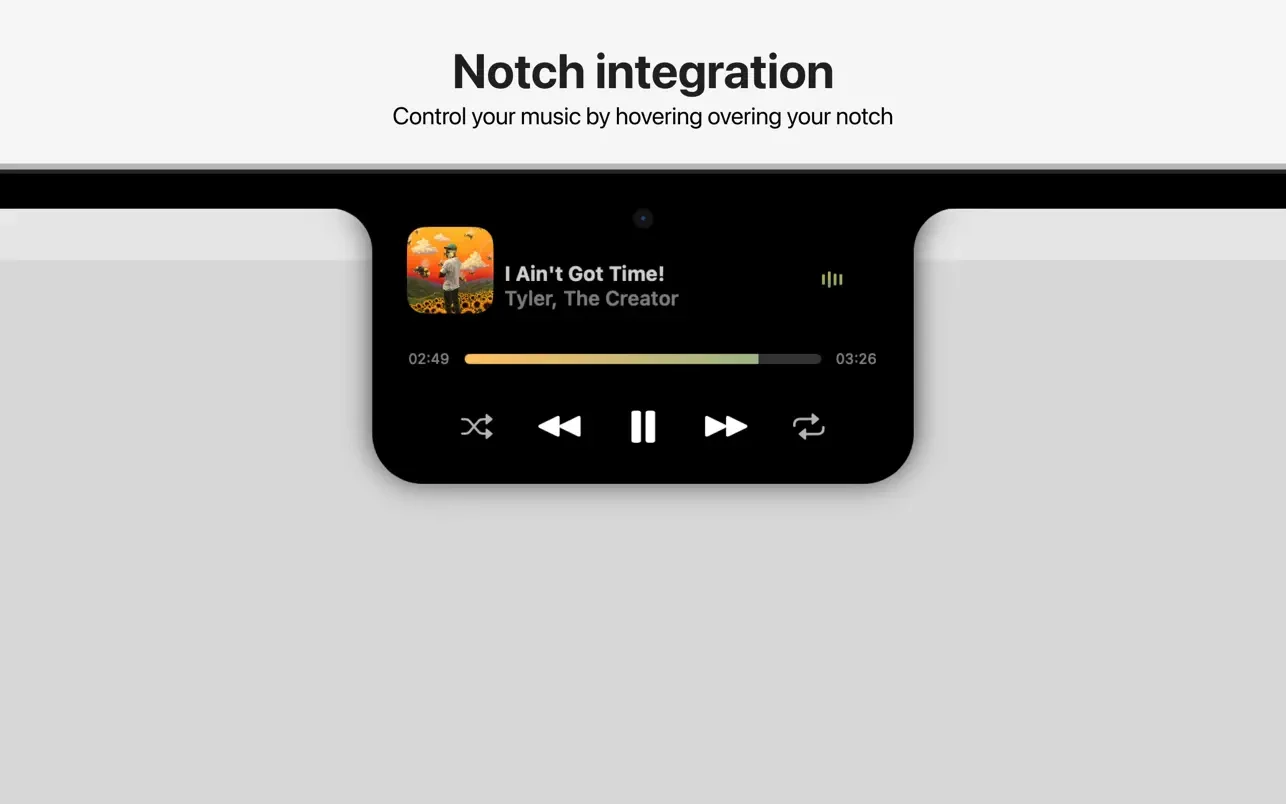
-Tuneful works seamlessly with your MacBook's notch — simply hover your cursor over the notch and your music player pops up. It’s a simple and enjoyable way to keep your favorite tracks within easy reach, allowing you to control your music without ever having to leave what you’re working on.
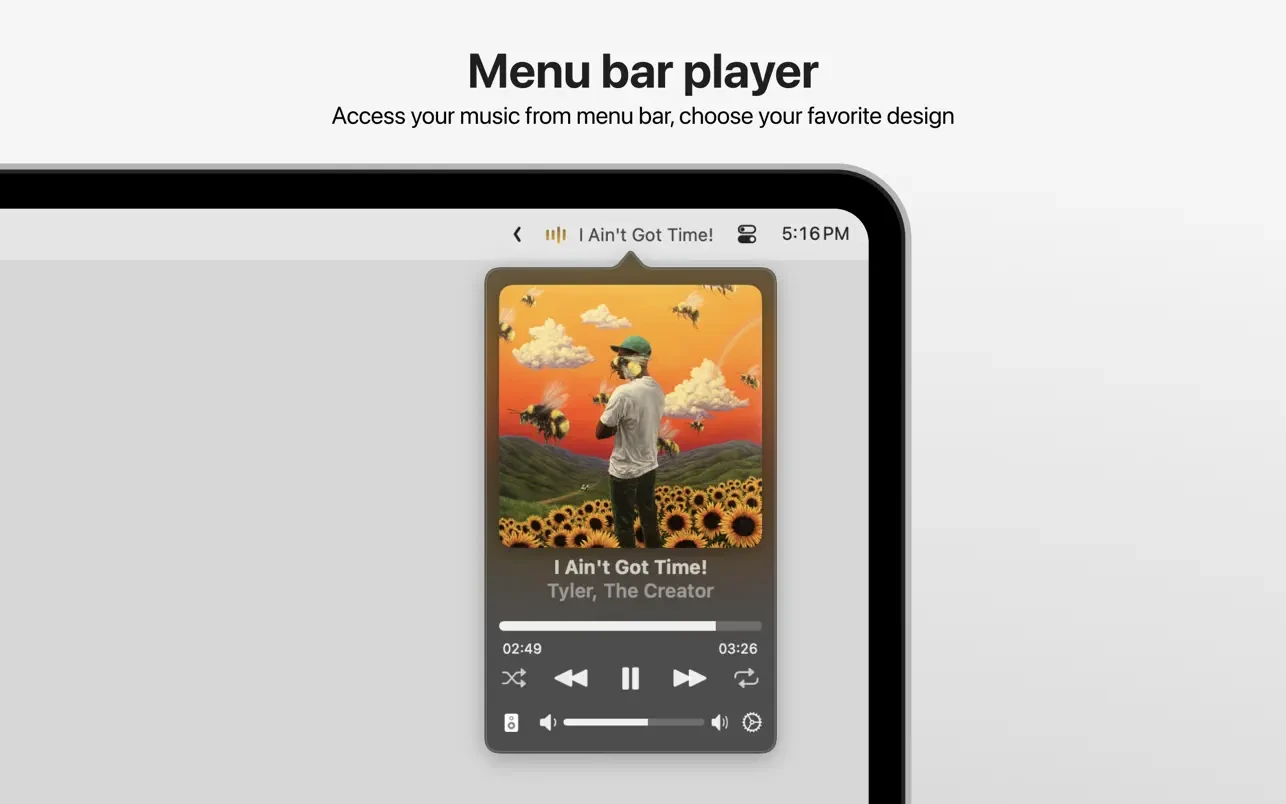
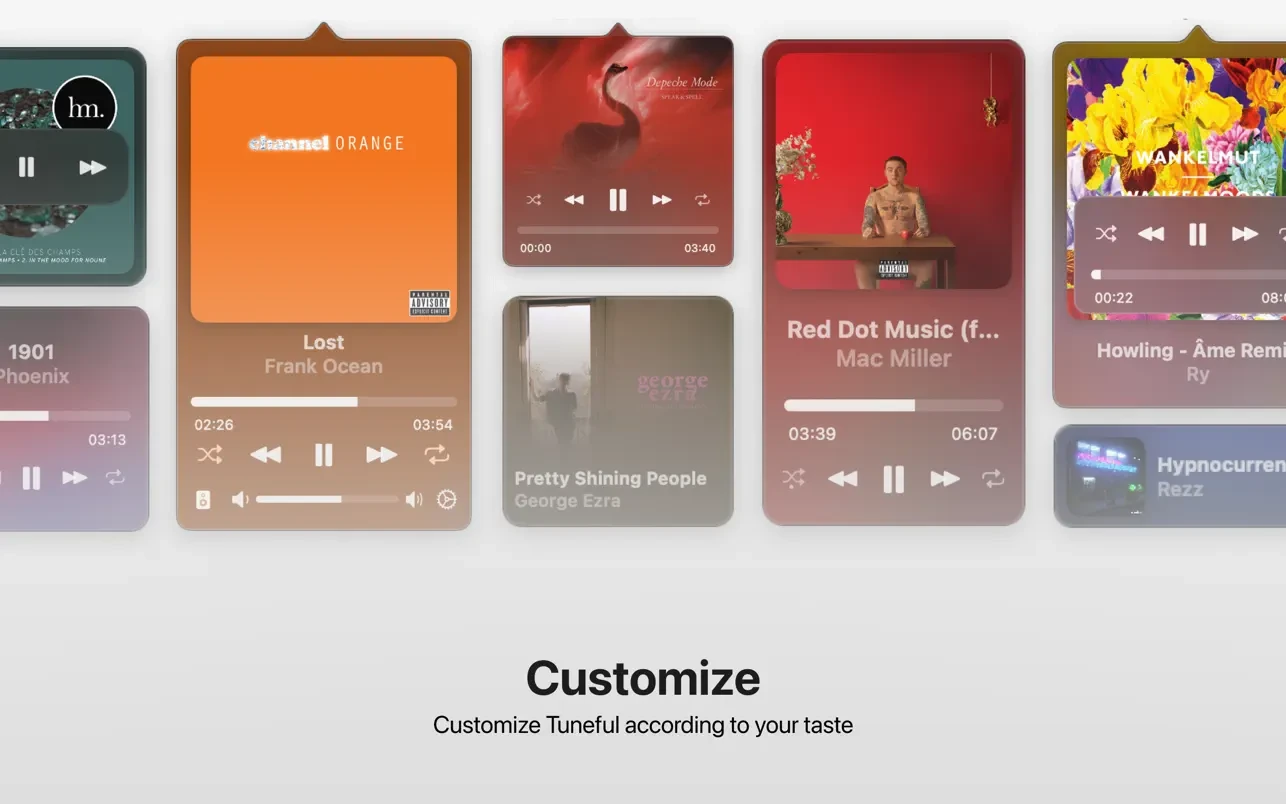
-The pop-up menu bar provides another convenient method for music control. You can play, pause, or skip tracks, adjust volume, and even choose your audio output device directly from the menu bar. Like most elements in Tuneful, the menu bar player can be customized to suit your preferences, making music management effortless on your Mac.
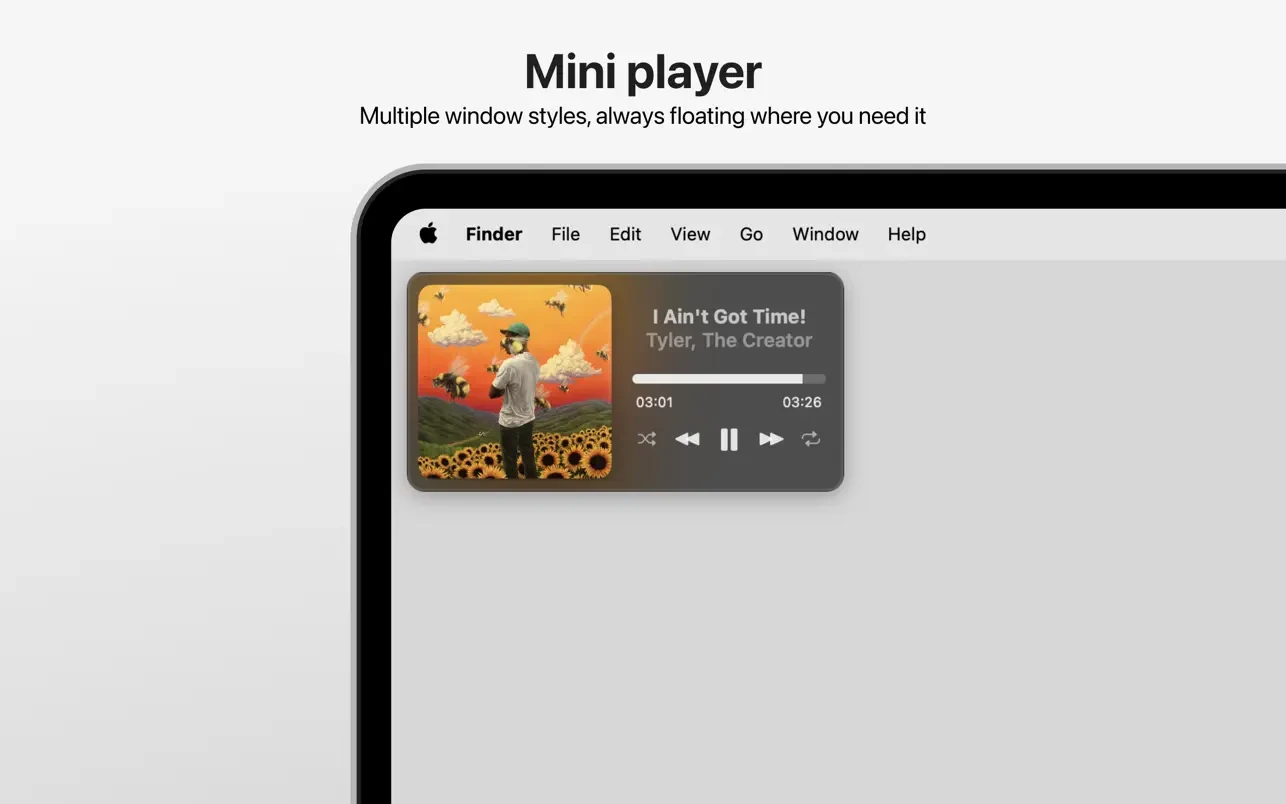
-The mini-player window offers a compact view of your current track details along with playback controls. You can select from several visual styles and assign custom keyboard shortcuts, allowing you to switch up your setup whenever you need.
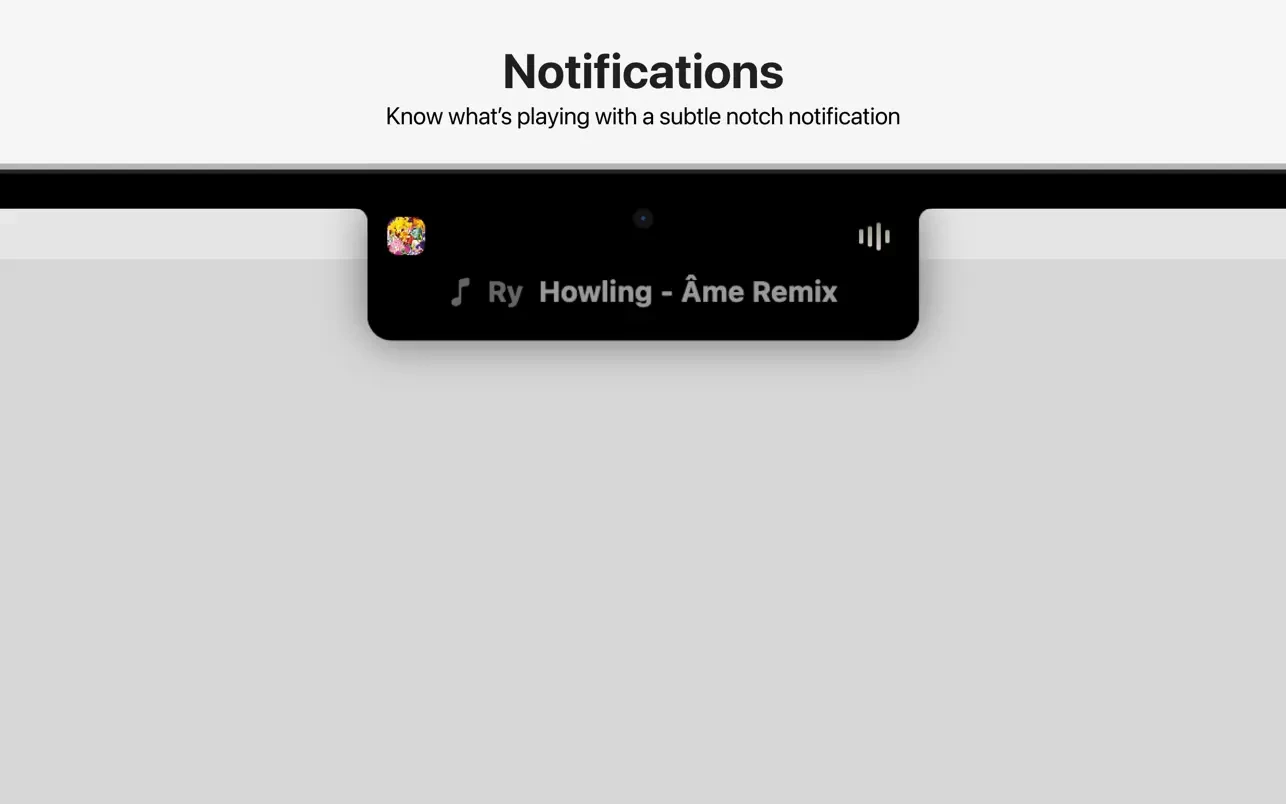
-Tuneful notifies you about the song currently playing with a refined, visually appealing animation. In addition, you can simply move your cursor over the label to play or pause your music or skip to the next song, providing intuitive, immediate control.
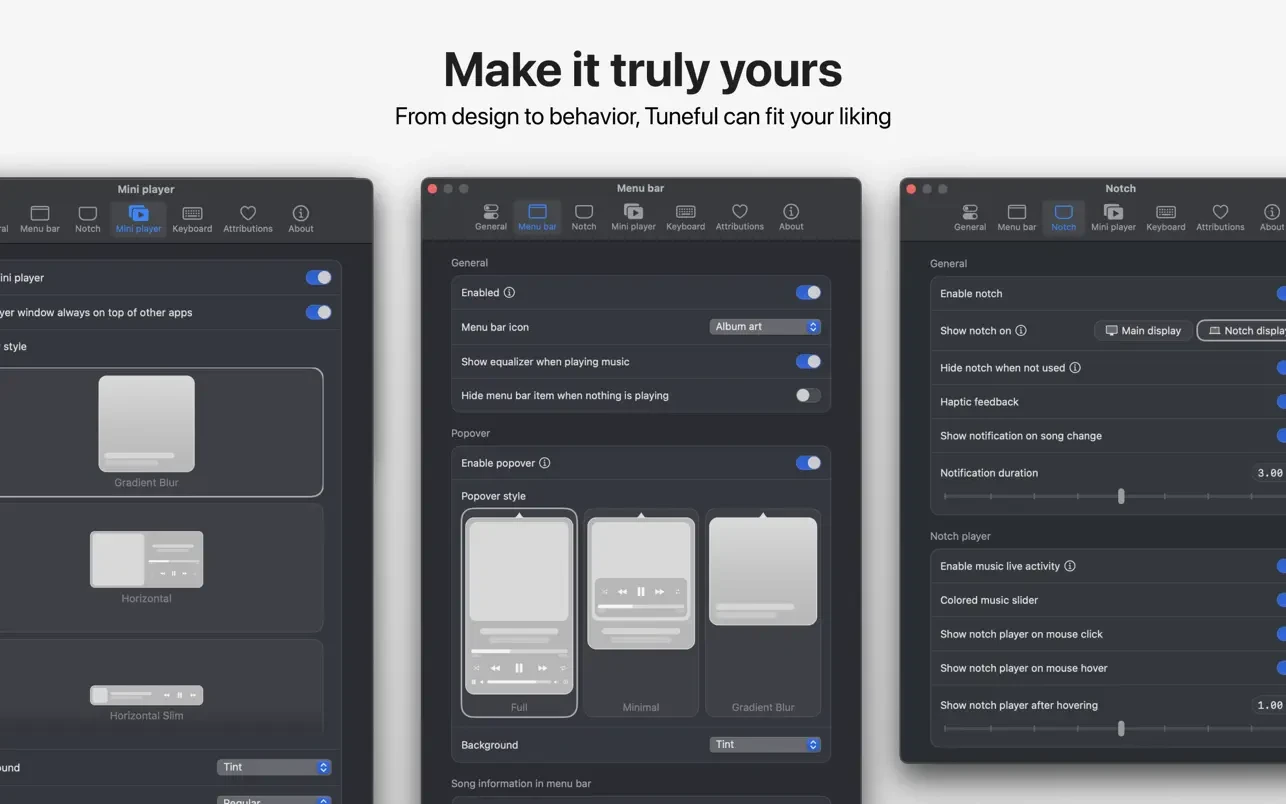
-Tuneful delivers a clean and intuitive settings interface. You can customize both appearance and functionality to match your personal style, ensuring the tuneful experience on your Mac is perfectly tailored to your needs.
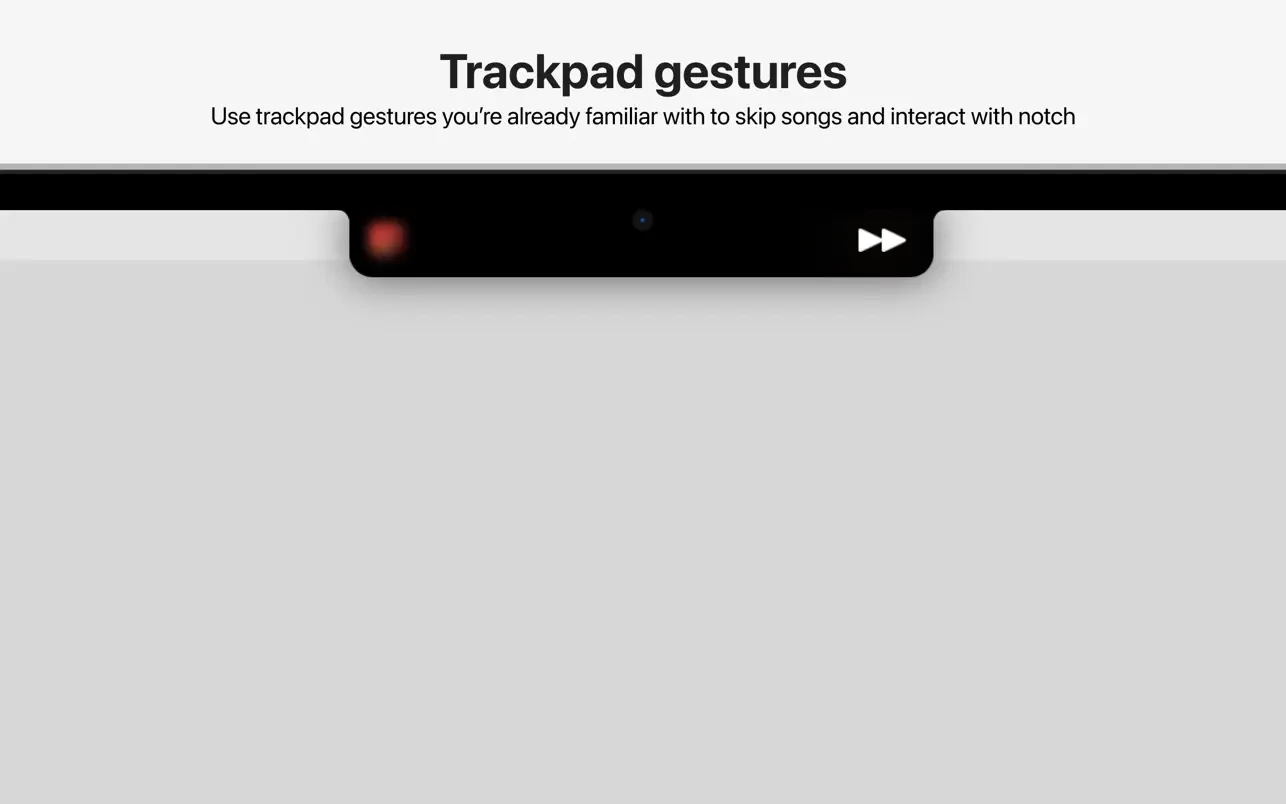
-Trackpad gestures familiar from macOS are also fully supported by Tuneful. Swipe to skip tracks, interact with the notch, and enjoy smooth, lively animations along with precise haptic feedback from your Mac’s trackpad.
-Tuneful gives you the ability to personalize nearly every aspect of its behavior and look to match your workflow and preferences. Whether it's the information shown in the menu bar, the appearance of the mini-player, pop-up window styling, keyboard shortcuts, or more, Tuneful puts you in control. The tuneful mac features make it a modern music experience built just for Mac users seeking customization and intuitive design.
Frequently Asked Questions
You May Also Like
Reviews & Comments
No comments yet. Be the first to share your thoughts!