
Vezer
Description
Vezér allows you to control and synchronize any MIDI, OSC, or DMX-compatible environment on your Mac. This includes real-time video software, lighting installations, and more, all managed through timeline-based automation. Perfect for advanced creative setups, Vezér is the go-to vezer app for those seeking flexible orchestration through their Mac.
PLEASANT AND USER-FRIENDLY INTERFACE
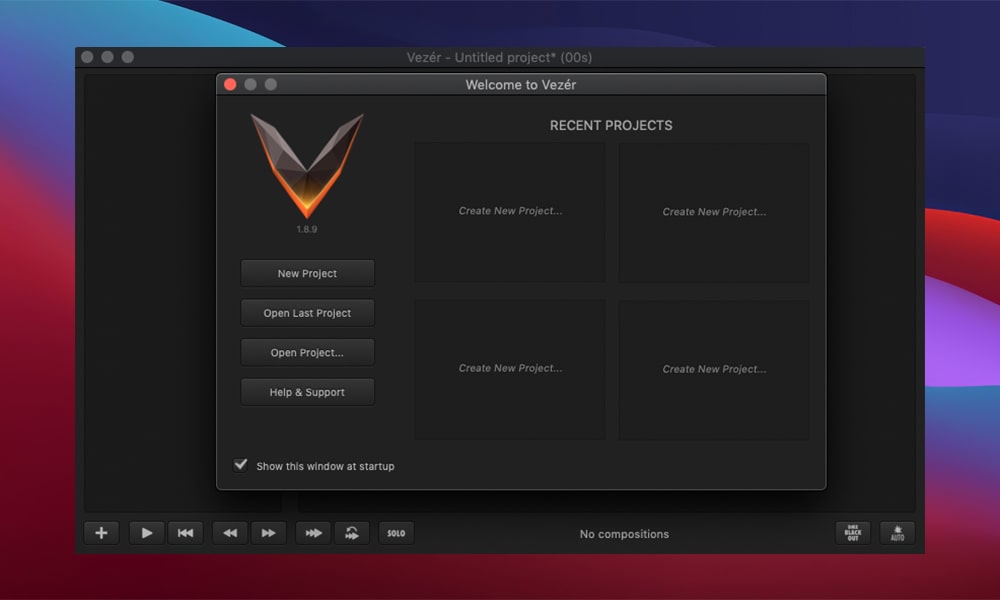
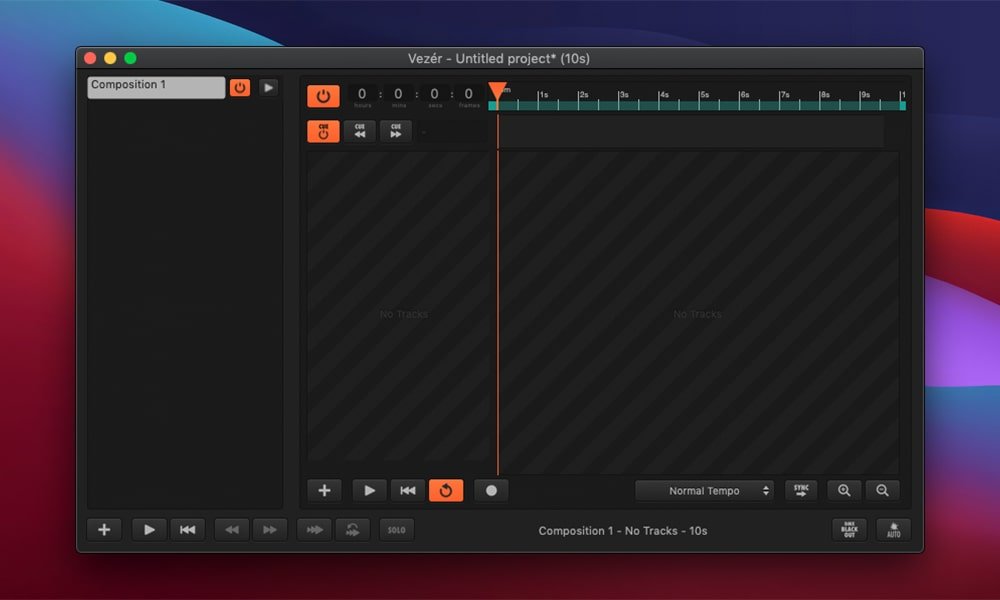
Vezér features a clear, concise user interface with a workflow that is incredibly intuitive, simple to master, and easy to use, making it accessible for both novices and professionals working on Mac.
MULTIPLE COMPOSITIONS
With Vezér, you can use either a single composition or multiple compositions for each project, supporting complex workflows or more straightforward tasks across various media environments.
VARIOUS TRACK TYPES
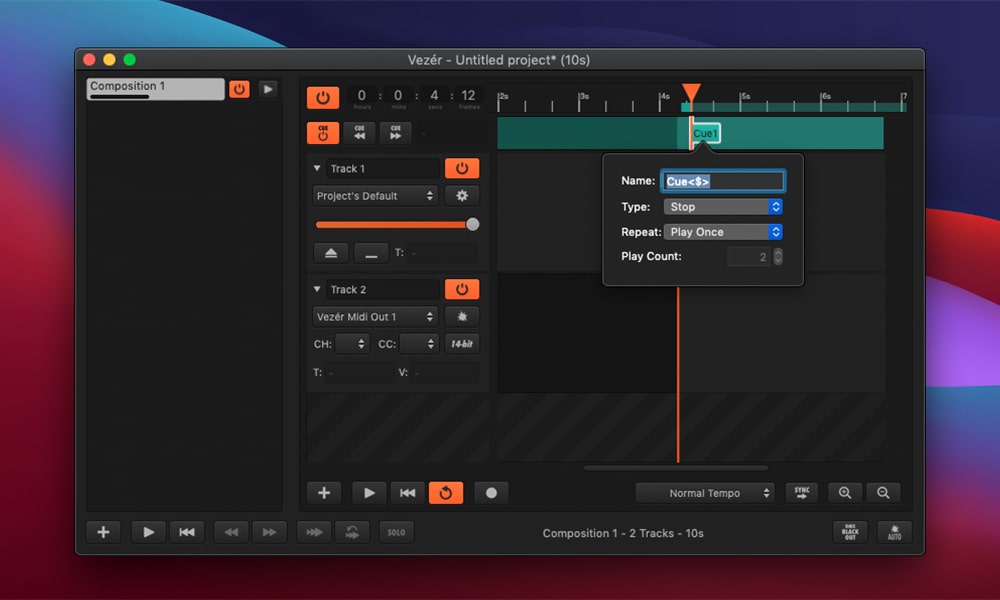
Each composition supports different track types, such as MIDI, OSC, DMX, or audio tracks, giving full creative control whether you’re focusing on audio, lighting, or video elements. This multi-functionality is at the heart of vezer mac.
CUES
Create cues inside any composition to develop smaller scenes within a larger project. This helps break your show or installation into manageable, easily triggered segments.
COMPOSITION QUEUE
Compositions can be started either freely or one at a time in queue, supporting a sequenced or spontaneous approach depending on the requirements of your event.
INTERPOLATED KEYFRAMES
Over 30 built-in interpolation types offer advanced options for animating or automating your elements, providing smooth and customizable transitions using the vezer download.
COMPATIBLE KEYFRAMES
It is possible to copy and paste keyframes between different types of tracks, enabling seamless workflow integration and efficient editing across all creative channels.
REMOTE CONTROL
Vezér can be remotely operated using any MIDI or OSC controller, letting you take command of your composition hands-free, ideal for live performance scenarios on your Mac.
WORKFLOW BEHAVIOR SETTINGS
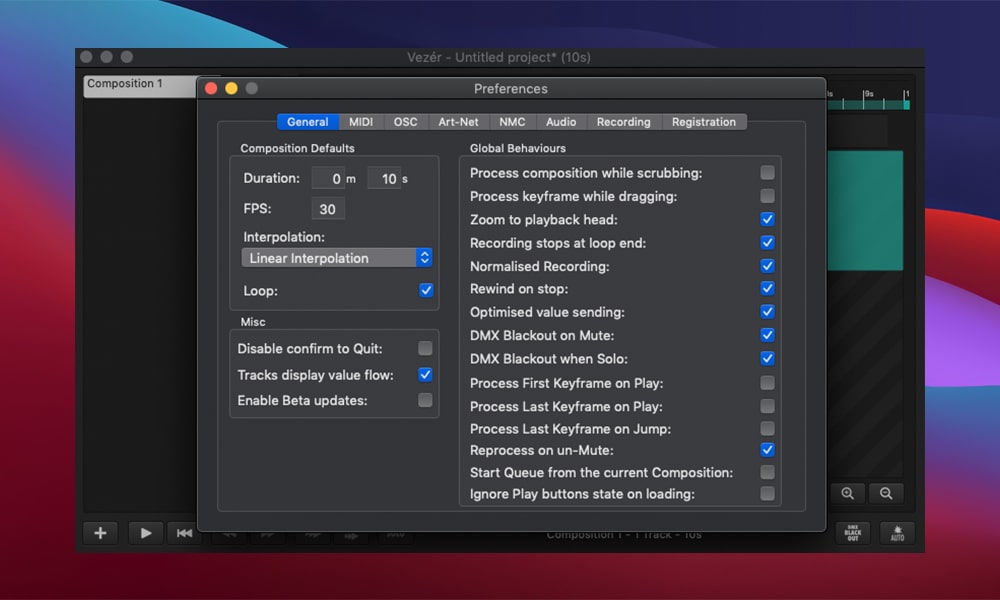
A rich set of workflow behavior settings is available, allowing you to customize and fine-tune every aspect of your project management experience in Vezér, making the most of your Mac’s creative capabilities.
Frequently Asked Questions
You May Also Like
Reviews & Comments
No comments yet. Be the first to share your thoughts!