
XYLIO Future DJ Pro
Description
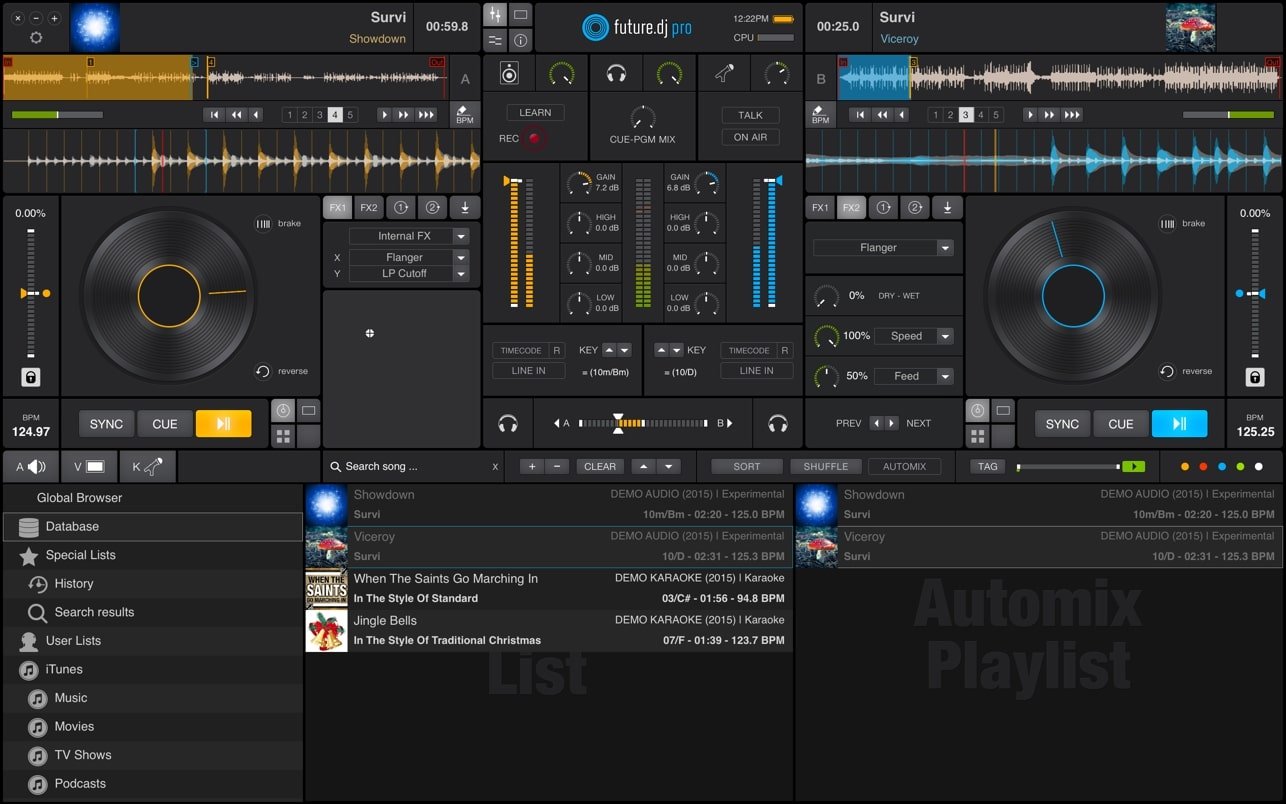
Future DJ Pro is a professional-grade DJ application for Mac designed for expert track mixing. This powerful DJ software allows you to mix music in real-time, either in manual or automatic mode, offering maximum flexibility for both precision control and seamless transitions. With an extensive suite of advanced features, xylio future dj pro delivers possibilities that will satisfy even the most demanding DJs, while still being accessible for beginners. If you are just starting your journey with DJ applications and have ambitions to become a DJ, all you need is the creative drive and intent to experiment. Your desire and passion are your greatest tools; rest assured, with xylio future dj pro mac, your mixes will keep improving in quality as you progress.
Future DJ Pro is the flagship product from XYLIO, loaded with the latest professional DJ functions to meet the needs of seasoned DJs as well as beginners eager to learn on Mac. The intuitive interface, a hallmark of XYLIO developers, ensures easy operation right from your first launch, even if you have no prior experience. Record your mixes with ease in formats such as WAV and AIFF for crystal-clear, lossless audio preservation.
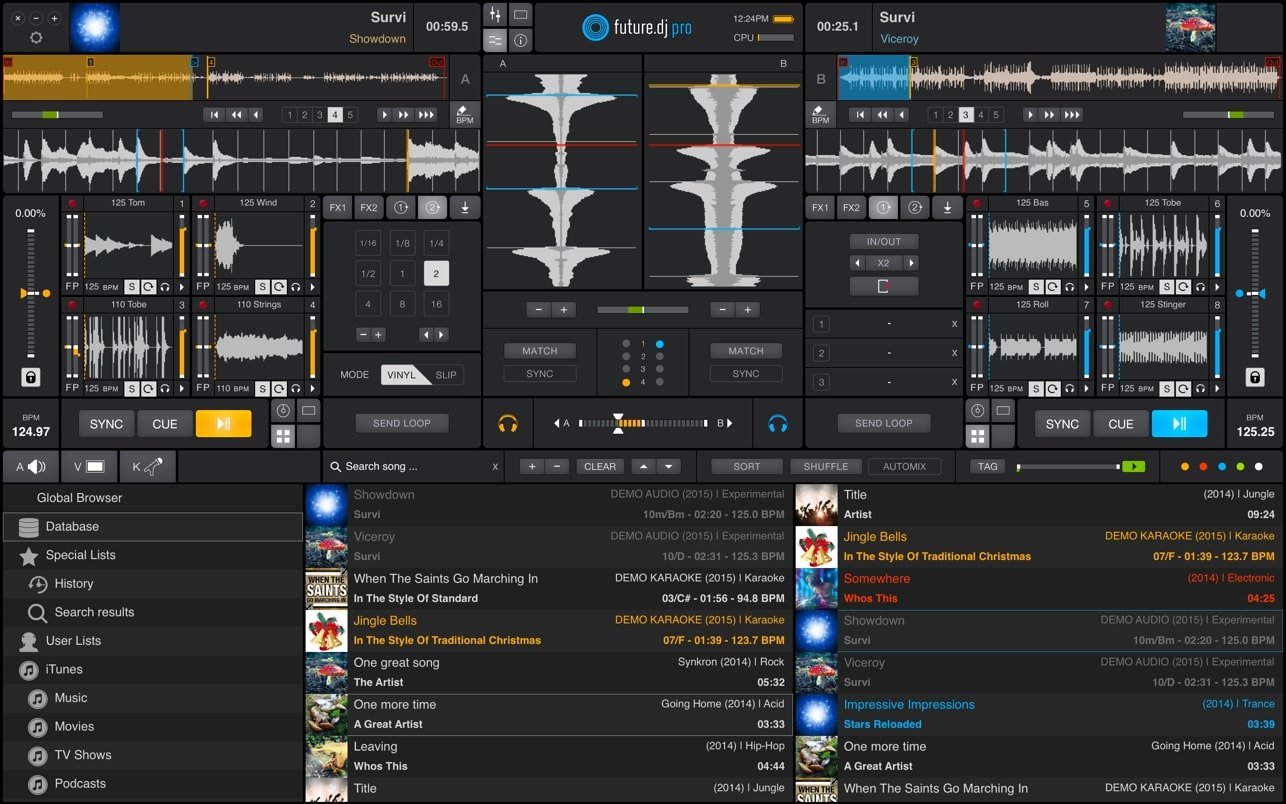
This top-tier platform for DJ creativity on Mac supports up to eight MIDI and HID hardware controllers, giving you comprehensive, versatile control over your mixes. Xylio future dj pro app offers classic DJ setups—choose between two or four deck positions—plus an integrated professional mixer and fully featured playlist management. With just a single click, you can instantly toggle between manual and automatic mixing, adapting your workflow to the moment. The automatic BPM detection ensures your mixes stay perfectly in sync. Dedicated headphone output allows for seamless track previewing and cueing, essential for live sessions, while robust support for VST effects guarantees endless creative potential.
Some of the advanced features include:
● Both automatic and manual track mixing modes;
● Highly precise BPM (tempo) detection;
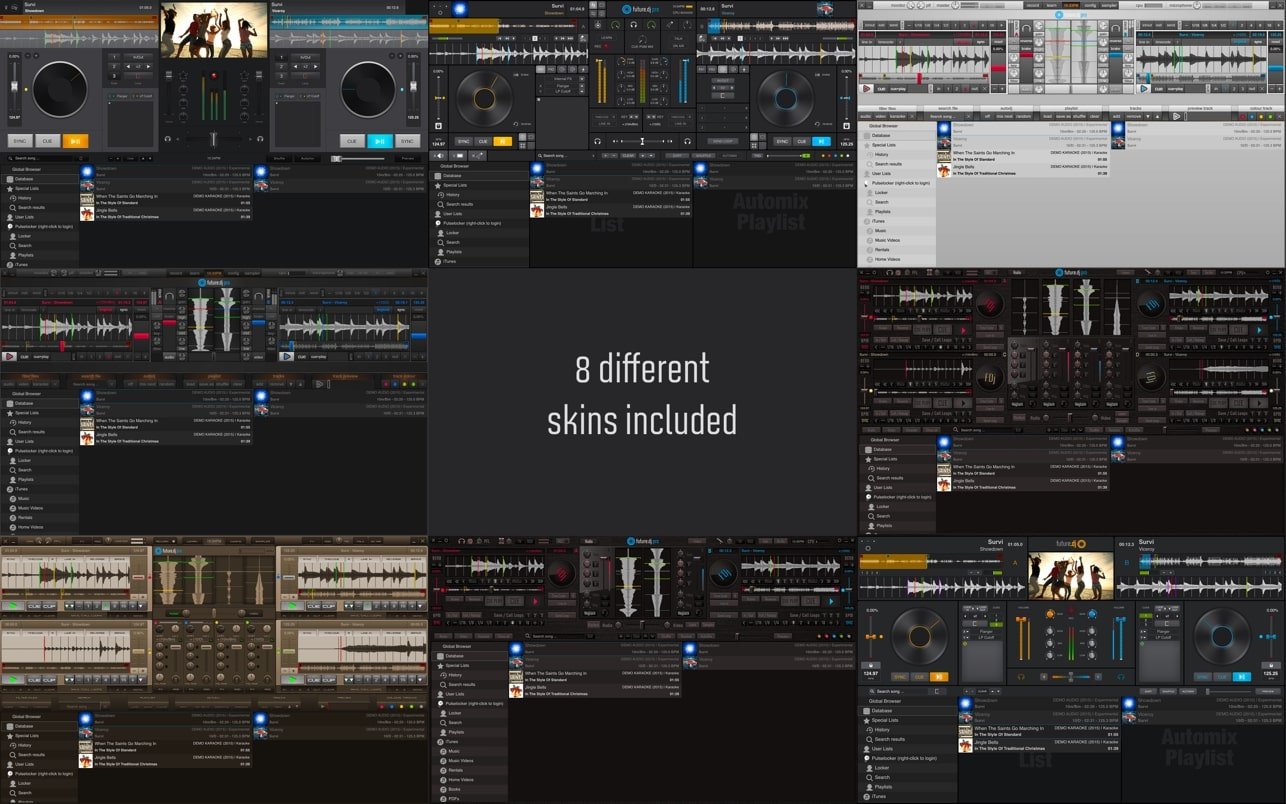
● 8 unique program interface skins for personal customization;
● Audio, video, and karaoke filters to suit every DJ style;
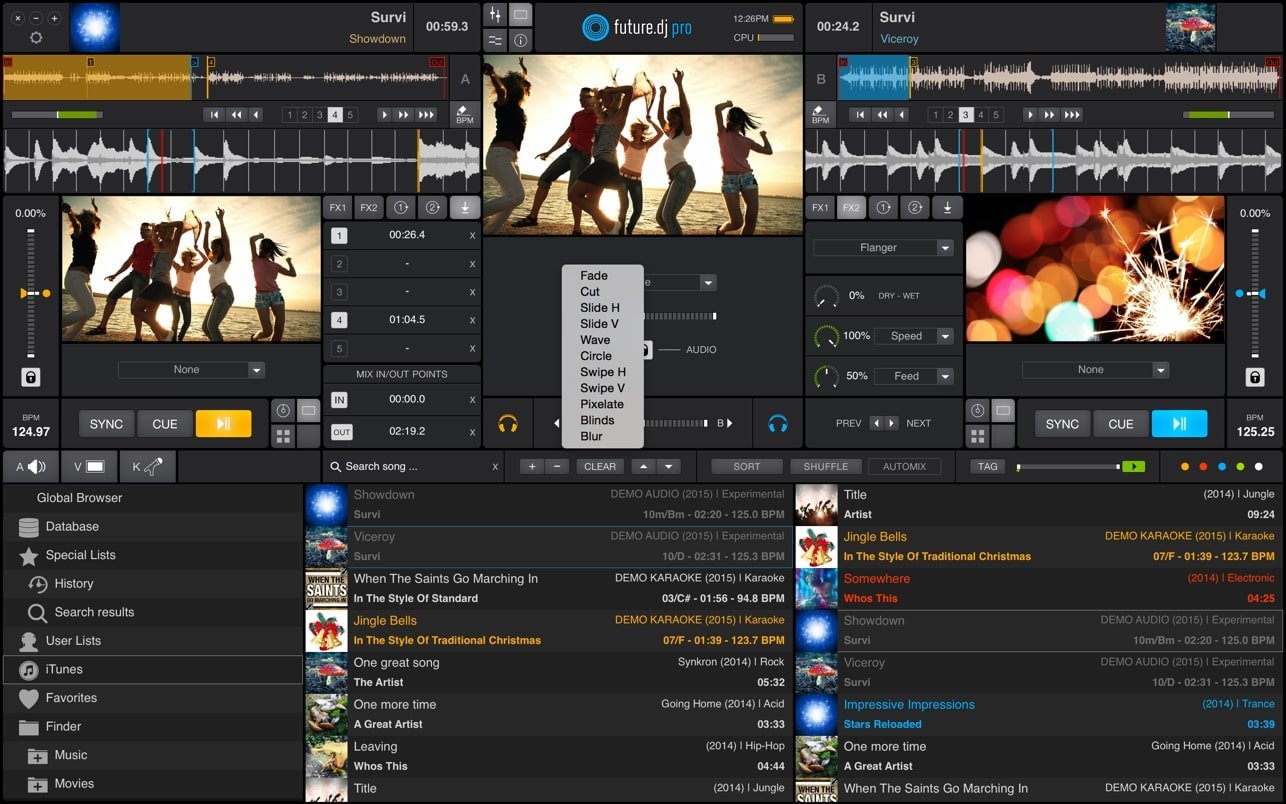
● Professional video support, including live video mixing;
● Compatible with up to eight MIDI and HID hardware controllers;
● Reads a wide array of formats: MP3, M4A, WAV, AIFF, OGG, CDA, MPEG, AVI, MOV, MKV, WMV, FLAC;
● Built-in controller and timecode support;
● Separate video preview window;
● Isolated headphone output with pre-listening capability;
● Native ASIO/CoreAudio compatibility for low-latency audio on Mac;
● Complete support for VST and AU (AudioUnits) effects;
● True vinyl simulation for authentic DJ feel;
● Classic equalizers, audio filters, and media player;
● Record mixes in professional formats including WAV and AIFF;
● Background scanning and importing of files or folders;
● Seamless iTunes integration in the app’s browser;
● Load tracks into RAM for instant access and performance;
● Color-coded markers for cue points on tracks;
● And much more within xylio future dj pro download for Mac.
Frequently Asked Questions
You May Also Like
Reviews & Comments
No comments yet. Be the first to share your thoughts!